
Analyzing Firmware Updates: How Ledger, Trezor, and KeepKey Stay Secure

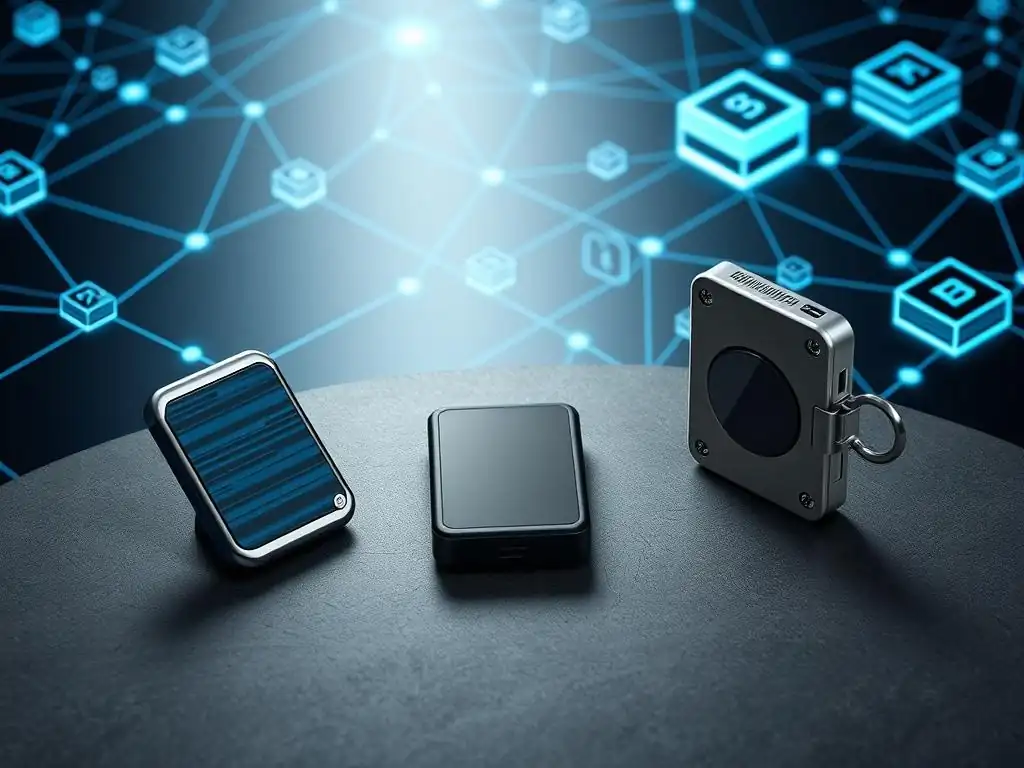
Welcome to Blockchain Trends, your go-to source for understanding the revolutionary impact of blockchain! Curious about how your crypto stays safe in the ever-evolving digital landscape? Dive into our analysis of secure hardware wallet updates from industry leaders like Ledger, Trezor, and KeepKey. Discover the critical role firmware plays in protecting your assets and learn how these companies are constantly innovating to stay ahead of threats. What vulnerabilities are they addressing, and what does the future hold for hardware wallet security? Read on to find out!
-
Analyzing Firmware Updates: How Ledger, Trezor, and KeepKey Stay Secure
- The Critical Role of Firmware Updates in Hardware Wallet Security
- Why Secure Firmware is Essential for Crypto Cold Storage
- Understanding Hardware Wallet Update Vulnerabilities
- Ledger Wallet Firmware Update Security Analysis
- Ledger Live and the Official Update Process
- Security Mechanisms Protecting Ledger Firmware Updates (e.g., Secure Element, Attestation)
- How Ledger Handles Firmware Authenticity and Verification
- Trezor Wallet Firmware Update Security Analysis
- Trezor Suite and the Open-Source Update Process
- Security Features in Trezor Firmware Updates
- Verifying Trezor Firmware Integrity Through Open Source
- KeepKey Wallet Firmware Update Security Analysis
- KeepKey Client and Their Firmware Update Approach.
-
Frequently Asked Questions
- How do Ledger, Trezor, and KeepKey ensure the security of their firmware update processes?
- What are the potential risks associated with unsecured firmware updates on hardware wallets?
- Why are regular firmware updates crucial for maintaining the security of a hardware wallet?
- How can users verify that a firmware update is legitimate and safe before installing it?
- What role does decentralization play in enhancing the security of hardware wallet firmware updates?
- Final Reflection: The Enduring Quest for Secure Hardware Wallet Updates
- Unlock Deeper Insights: Secure Your Crypto Future!
Analyzing Firmware Updates: How Ledger, Trezor, and KeepKey Stay Secure
The Critical Role of Firmware Updates in Hardware Wallet Security
Firmware serves as the foundational operating system embedded within a hardware wallet, dictating how the device functions, manages private keys, and interacts with the external world. Much like the operating system on a computer or smartphone, this firmware is a complex piece of software that can contain bugs, vulnerabilities, or require updates to incorporate new features or support for additional cryptocurrencies.
Regular and, crucially, secure hardware wallet updates are not merely about adding functionality; they are a fundamental security practice. Failing to update, or worse, installing compromised firmware, can expose the device to known exploits, potentially leading to the theft of digital assets.
The security posture of a hardware wallet is intrinsically linked to the integrity and currency of its firmware. Manufacturers constantly work to discover and patch security flaws discovered through internal audits, penetration testing, or community bug reports. A critical vulnerability in the firmware, if left unpatched, could allow an attacker to bypass security measures designed to protect the private key, even if the device is offline.
Therefore, the process by which these updates are delivered, verified, and installed is as critical to the overall security of the device as the physical tamper-resistance or the secure element itself. Ensuring secure hardware wallet updates is paramount for maintaining the long-term safety of cold storage.
Why Secure Firmware is Essential for Crypto Cold Storage
Hardware wallets are the cornerstone of crypto cold storage, designed specifically to keep private keys isolated from internet-connected devices, thus mitigating online threats. The core principle relies on the device's ability to sign transactions securely without exposing the private key. This entire process is orchestrated by the firmware. If the firmware is compromised, it could potentially leak the private key during initialization, use a malicious derivation path, sign a transaction different from what is displayed to the user, or even create a backdoor for future remote access under specific, albeit difficult, conditions.
The trust model for cold storage places significant faith in the hardware wallet's firmware. Users trust that the firmware is executing operations honestly and precisely as intended by the manufacturer, and crucially, that it has not been tampered with. Secure firmware updates are essential to maintain this trust.
A robust update mechanism verifies that the new firmware originates from the legitimate manufacturer, has not been altered in transit, and is compatible with the device's secure architecture. Without these assurances, the very act of updating, intended to enhance security, could become the vector for a catastrophic loss of funds, undermining the core purpose of cold storage.
Understanding Hardware Wallet Update Vulnerabilities
Despite rigorous design, the process of updating firmware on hardware wallets can present potential attack surfaces. One significant vulnerability vector involves the delivery mechanism itself. An attacker could attempt a man-in-the-middle attack to intercept the firmware download and replace it with a malicious version. While devices employ verification steps, weaknesses in the communication protocol or the verification process could theoretically be exploited. Another risk lies within the firmware image itself; even if signed by the manufacturer, a sophisticated vulnerability might be hidden within the code, designed to activate under specific conditions post-installation.
Furthermore, vulnerabilities can exist in the bootloader – the small, immutable code that runs before the main firmware and is responsible for initiating the update and verifying its signature. Exploits targeting the bootloader are particularly dangerous as they could potentially bypass subsequent security checks. Physical attacks during the update process, though less common for remote attackers, also pose a threat.
For instance, tampering with the device during an update could interrupt the process or attempt to inject code if physical security measures are insufficient or temporarily bypassed. Thus, understanding these potential vulnerabilities is crucial for appreciating the complex security engineering required for secure hardware wallet updates.
Ledger Wallet Firmware Update Security Analysis
Ledger utilizes a security architecture heavily centered around a certified Secure Element (SE) chip, similar to those used in credit cards and passports. This SE is designed to be tamper-resistant and holds the private key securely, isolated from the main microcontroller that runs the bulk of the firmware. When it comes to firmware updates, Ledger's approach relies on this secure hardware foundation and a closed-source firmware model, where the integrity and authenticity of updates are verified cryptographically by the device itself, particularly involving the SE.
The update process is exclusively managed through their proprietary application, Ledger Live. This centralized approach allows Ledger to control the distribution channel and ensure users are receiving official, signed firmware versions. The security model posits that as long as the communication channel with Ledger Live is secure and the device's internal verification mechanisms are robust, the risk of installing malicious firmware is significantly reduced. This contrasts with fully open-source approaches, relying instead on the certified security of the SE and Ledger's controlled ecosystem for secure hardware wallet updates.
Ledger Live and the Official Update Process
The official and recommended method for performing secure hardware wallet updates for Ledger devices is through the Ledger Live desktop or mobile application. Users connect their Ledger device via USB (for desktop) or Bluetooth (for some models with mobile). Ledger Live checks the connected device's current firmware version against the latest available version on Ledger's servers. If an update is available, Ledger Live downloads the new firmware package.
Once downloaded, Ledger Live prepares the update for transfer to the device. The user is typically prompted to confirm the update on their computer screen and then, crucially, physically on the Ledger device itself. The firmware data is then transferred to the device via the USB or Bluetooth connection. The device's internal security mechanisms, including the Secure Element, take over to verify the authenticity and integrity of the received firmware package before proceeding with the installation, ensuring a secure hardware wallet update process.
Security Mechanisms Protecting Ledger Firmware Updates (e.g., Secure Element, Attestation)
Ledger employs several key security mechanisms specifically designed to protect the firmware update process. Foremost among these is the Secure Element (SE). This dedicated chip stores Ledger's root public key, which is used to verify the digital signature of any incoming firmware update. The SE performs this critical verification step in an isolated, tamper-resistant environment, making it extremely difficult for an attacker to modify the verification logic or inject malicious code that the SE would accept as legitimate.
Another crucial mechanism is Attestation. When a Ledger device connects to Ledger Live, it performs an attestation process. The device proves its authenticity as a genuine Ledger product and confirms the integrity of the currently running firmware to Ledger Live. This helps prevent users from being tricked into connecting their seed phrase to a fake device or interacting with a compromised Ledger wallet that is running modified firmware. The combination of cryptographic signatures verified by the SE and the attestation process provides a strong defense against malicious firmware injection attempts during secure hardware wallet updates.
How Ledger Handles Firmware Authenticity and Verification
Ledger ensures firmware authenticity and verification primarily through cryptographic digital signatures. Every official firmware update released by Ledger is signed with Ledger's private key. This key is held highly securely by Ledger. When a firmware package is transferred to a Ledger device via Ledger Live, the device's Secure Element uses Ledger's corresponding public key (which is securely embedded in the SE during manufacturing) to verify this signature.
The device calculates a cryptographic hash of the received firmware package and then uses Ledger's public key to decrypt the signature provided with the update. If the decrypted signature matches the calculated hash, the device confirms that the firmware is authentic, unaltered, and originates from Ledger. If the signature verification fails for any reason – perhaps the firmware was tampered with, or it wasn't signed by Ledger's legitimate key – the device will reject the update and refuse to install it. This robust verification step is fundamental to ensuring secure hardware wallet updates on Ledger devices.
Trezor Wallet Firmware Update Security Analysis
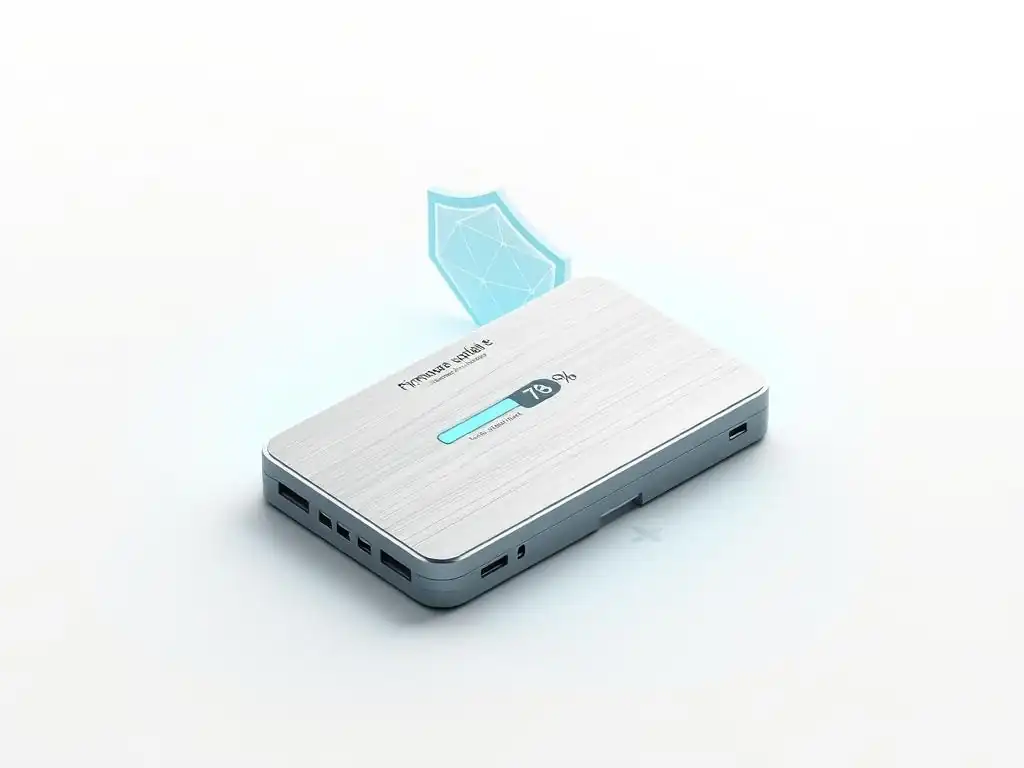
Trezor hardware wallets adopt a security philosophy heavily rooted in transparency through open-source firmware and robust cryptographic verification performed by a small, trustable bootloader. Unlike Ledger's reliance on a certified Secure Element, Trezor devices use a general-purpose microcontroller. The security of the private key relies on the isolation provided by this microcontroller when operating correctly and the integrity checks performed before any sensitive operations, including firmware updates.
The firmware update process is managed via Trezor Suite (or the legacy Trezor Wallet web interface). The open-source nature of the firmware allows the community to audit the code for vulnerabilities, including those related to the update mechanism. While not providing the same tamper-resistance as a certified SE, Trezor's approach emphasizes verifiable security through code transparency and a secure bootloader that validates digitally signed firmware before execution, underpinning their method for secure hardware wallet updates.
Trezor Suite and the Open-Source Update Process
Secure hardware wallet updates for Trezor devices are primarily facilitated through the Trezor Suite application or the official Trezor web wallet interface. When a user connects their Trezor device, the software checks the current firmware version. If a newer version is available, Trezor Suite downloads the signed firmware file from SatoshiLabs' servers. Because the firmware is open source, users can theoretically inspect the code themselves or rely on community audits.
The update process involves transferring the downloaded firmware to the Tre Trezor device via the USB connection. Before installing the main firmware, the device's immutable bootloader takes control. The bootloader is responsible for verifying the digital signature of the received firmware package using SatoshiLabs' public key, which is embedded within the bootloader itself. The user is also required to confirm the update physically on the device's screen, adding an essential layer of defense against remote attacks attempting to force an update without user consent.
Security Features in Trezor Firmware Updates
Several security features are integrated into the Trezor firmware update process to ensure secure hardware wallet updates. The most critical is the Bootloader. This small, read-only piece of code is factory-installed and immutable (or extremely difficult to modify). It contains SatoshiLabs' public key and is the first code executed on the device upon startup or when entering update mode. Its primary function is to verify the digital signature of the main firmware before loading it into memory and executing it.
Digital Signatures are fundamental. Every official Trezor firmware release is cryptographically signed by SatoshiLabs. The bootloader verifies this signature.
If the signature is invalid – meaning the firmware is not official or has been tampered with – the bootloader will refuse to load or install it. Furthermore, the requirement for Physical Confirmation on the device screen prevents an attacker who gains control of the connected computer from installing unauthorized firmware without the user's direct approval on the Trezor itself. Some Trezor models also feature a memory wipe on suspicion of physical tampering, though this is less directly tied to the digital update process itself.
Verifying Trezor Firmware Integrity Through Open Source
The open-source nature of Trezor's firmware is a core component of their security model, particularly concerning firmware integrity. While the device itself verifies the integrity and authenticity of the firmware using digital signatures and the bootloader, the open-source aspect allows for external verification and scrutiny. Anyone with the technical expertise can review the complete source code for both the Trezor firmware and the bootloader available on platforms like GitHub.
This transparency enables security researchers and the broader community to audit the code for potential vulnerabilities, backdoors, or flaws in the update verification process. Although compiling and verifying the binary firmware against the source code is a complex process beyond the average user, the fact that it can be done by experts provides a level of assurance. The community's collective review acts as a check on SatoshiLabs, making it significantly harder to hide malicious code within official releases and contributing to the overall confidence in secure hardware wallet updates for Trezor devices.
KeepKey Wallet Firmware Update Security Analysis
KeepKey, now part of the ShapeShift ecosystem, has a history that includes open-source elements, although the current state of its firmware source code transparency is less clear following the acquisition. Like other hardware wallets, KeepKey relies on a microcontroller and a secure boot process to handle firmware and protect private keys. Secure hardware wallet updates for KeepKey involve downloading firmware via a client application or the ShapeShift platform and transferring it to the device for verification and installation.
The security of the update process hinges on the device's ability to verify that the incoming firmware is authentic and untampered. This is typically achieved through cryptographic signatures. A bootloader on the KeepKey device likely contains a public key used to verify the signature of the firmware file provided by ShapeShift/KeepKey. If the signature matches, the firmware is deemed legitimate and the update proceeds. Physical confirmation on the device is also a standard security practice during updates.
KeepKey Client and Their Firmware Update Approach.
Historically, KeepKey updates were managed through the KeepKey Client desktop application or browser extension. With the integration into ShapeShift, the primary method for secure hardware wallet updates is now often facilitated through the ShapeShift platform interface when a KeepKey device is connected. The platform detects the connected device and checks its firmware version. If an update is available, the platform initiates the download of the firmware package.
The downloaded firmware is then transferred to the KeepKey device via the USB connection. The device's internal bootloader is responsible for verifying the integrity and authenticity of the firmware using cryptographic signatures provided by ShapeShift. The user is guided through the process, which includes confirming the update action on the KeepKey device's screen. This multi-step process, involving software download, device transfer, cryptographic verification by the bootloader, and physical confirmation, forms KeepKey's layered approach to ensuring secure hardware wallet updates.
Frequently Asked Questions
How do Ledger, Trezor, and KeepKey ensure the security of their firmware update processes?
These hardware wallet manufacturers employ various security measures, including cryptographic signatures on firmware updates to verify their authenticity and prevent malicious code from being installed. They also often incorporate secure boot processes to ensure only authorized firmware can run on the device.
What are the potential risks associated with unsecured firmware updates on hardware wallets?
Unsecured updates could allow attackers to inject malicious firmware, potentially granting them access to your private keys and enabling them to steal your cryptocurrency. This highlights the importance of only updating from official sources.
Why are regular firmware updates crucial for maintaining the security of a hardware wallet?
Regular updates address newly discovered vulnerabilities and patch existing security flaws. Staying up-to-date ensures your wallet is protected against the latest threats and exploits.
How can users verify that a firmware update is legitimate and safe before installing it?
Users should always verify the digital signature of the update against the manufacturer's official public key. Checking the official website or communication channels for announcements is also recommended.
What role does decentralization play in enhancing the security of hardware wallet firmware updates?
While hardware wallets themselves are not fully decentralized, some projects explore decentralized update mechanisms to enhance trust and transparency. This could involve using blockchain to verify and distribute firmware updates, reducing reliance on a single point of failure.
Final Reflection: The Enduring Quest for Secure Hardware Wallet Updates
The digital landscape is constantly evolving, and with it, the threats to our digital assets. The security of hardware wallets, particularly the mechanisms for firmware updates, remains paramount in safeguarding our cryptocurrency holdings. This analysis of Ledger, Trezor, and KeepKey highlights the ongoing efforts to fortify these crucial devices against ever-more sophisticated attacks, underscoring the vital importance of vigilance and continuous improvement in the realm of secure hardware wallet updates.
The impact of secure firmware updates extends far beyond the individual user; it shapes the very foundation of trust in the decentralized world. My own journey into understanding these complex systems has reinforced the critical need for transparency and community involvement in the development and auditing of security protocols. As the saying goes, Security is always excessive until it's not enough.
This quote perfectly encapsulates the relentless pursuit of perfection required to maintain the integrity of these vital pieces of technology.
Now, consider the implications of this knowledge for your own digital security. Are you actively verifying the authenticity of your hardware wallet updates? Are you staying informed about the latest security advisories? Let this exploration serve as a catalyst for proactive engagement in securing your digital future. Embrace the responsibility of understanding and safeguarding your assets, and together, we can foster a more secure and resilient cryptocurrency ecosystem.
Unlock Deeper Insights: Secure Your Crypto Future!
Thank you for delving into the world of firmware updates and crypto hardware wallet security! You've now got a clearer understanding of how Ledger, Trezor, and KeepKey are working to protect your digital assets. Ready to take your knowledge to the next level and safeguard your future?
Here are a few actions you can take right now:
- Immediately update your hardware wallet's firmware to the latest version. This is the single most crucial step to ensure you're benefiting from the latest security patches.
- Explore the official security blogs for Ledger, Trezor, and KeepKey to stay informed about recent vulnerabilities and updates. Knowledge is power!
- Share this article with your crypto community. Helping others understand hardware wallet security strengthens the entire ecosystem.
What security measure will you prioritize implementing today to better protect your cryptocurrency?
Leave a Reply