
My Hardware Wallet Isn't Working: A Troubleshooting Guide

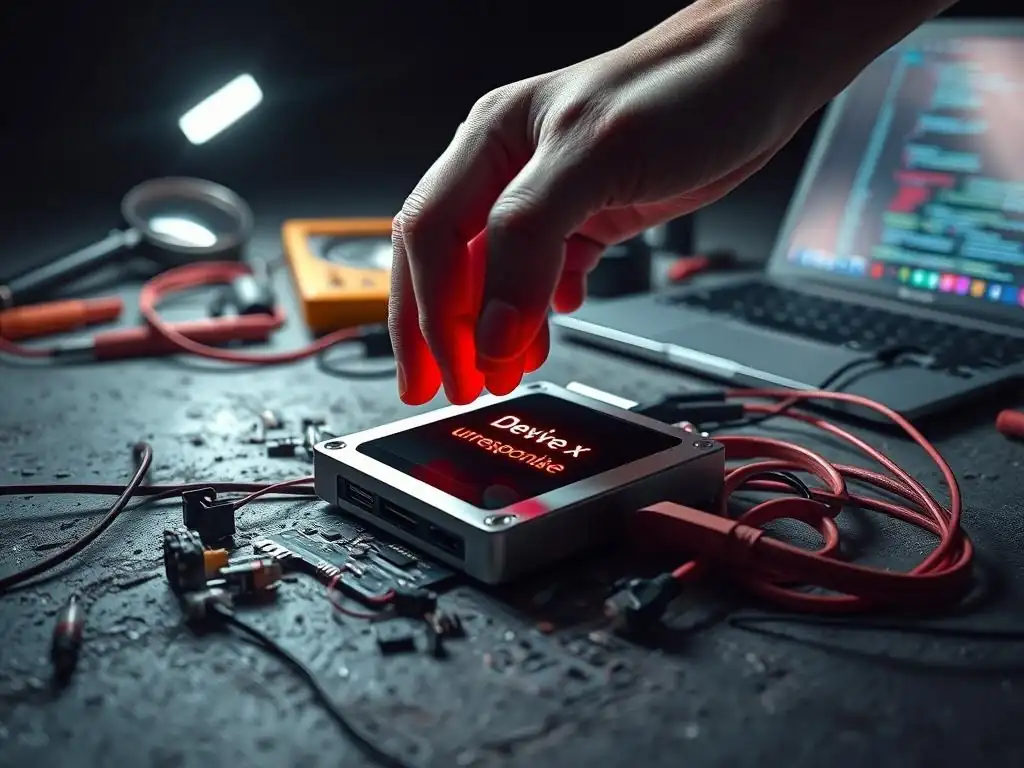
Welcome to Blockchain Trends, your go-to source for navigating the ever-evolving world of blockchain technology. Beyond the hype of cryptocurrencies, lies a powerful engine transforming industries. Curious about securing your digital assets? Dive into our latest article for essential hardware wallet troubleshooting steps and unlock peace of mind in the decentralized landscape. Let's explore the future, one block at a time.
Fixing Transaction Signing and Syncing Issues
When attempting to send cryptocurrency, one of the most frustrating issues hardware wallet users encounter is the failure of the device to sign a transaction or the wallet software failing to sync correctly with the blockchain. Transaction signing is a critical security function, requiring confirmation directly on the hardware wallet device itself. Common reasons for signing failures include outdated firmware, issues with the connection between the device and the computer/phone running the wallet software, or discrepancies between the transaction details shown in the software and those displayed on the hardware wallet screen. Syncing problems, on the other hand, often stem from connectivity issues, problems with the node the wallet software is connected to, or simply the time it takes for blockchain data to propagate. Effective hardware wallet troubleshooting steps for these scenarios often involve verifying multiple points of failure, from the physical connection to the software's interaction with the network.
To address these specific issues, begin by ensuring your hardware wallet's firmware is the latest version, as developers frequently release updates to fix bugs related to transaction processing and compatibility. Next, carefully review the transaction details – recipient address, amount, and network fees – on both your computer/phone screen and the hardware wallet's display before confirming. Any mismatch could indicate malicious software or a simple input error.
If syncing is the problem, try closing and reopening the wallet software, checking your internet connection, and ensuring the software is configured to connect to a reliable node or network endpoint. For example, if you're sending Ethereum (ETH), confirm your wallet software is connected to the correct Ethereum network and that your hardware wallet is recognized by the software for this specific network.
Sometimes, simply waiting a few minutes can resolve minor syncing delays as the software catches up with the latest block height. These targeted hardware wallet troubleshooting steps can often pinpoint and resolve issues preventing successful transactions or data synchronization.
- What are the most common reasons why my hardware wallet might not be working?
- How can I recover my cryptocurrency if my hardware wallet is lost or damaged?
- What steps should I take to update the firmware on my hardware wallet?
- Is it safe to connect my hardware wallet to any computer?
- What should I do if my hardware wallet's screen is not displaying correctly?
Frequently Asked Questions
What are the most common reasons why my hardware wallet might not be working?
The most common culprits include incorrect PIN entry, outdated firmware, or problems with the USB connection. Always double-check your PIN and update your device regularly.
How can I recover my cryptocurrency if my hardware wallet is lost or damaged?
You can recover your crypto using your recovery seed phrase, which you should have securely stored when you initially set up the wallet. This phrase allows you to restore your wallet on a new device.
What steps should I take to update the firmware on my hardware wallet?
Usually, you'll need to connect your wallet to your computer and use the official wallet software provided by the manufacturer. Follow the on-screen instructions carefully to avoid interrupting the update process.
Is it safe to connect my hardware wallet to any computer?
No, it's best to connect your hardware wallet only to a trusted computer free from malware. Using a compromised computer could expose your seed phrase or private keys.
What should I do if my hardware wallet's screen is not displaying correctly?
Try restarting the device first. If the problem persists, consult the manufacturer's website or support documentation for specific troubleshooting steps related to screen issues.
Final Reflection: Securing Your Digital Future
The digital age has brought unparalleled opportunities, but also unprecedented challenges in securing our assets. The ability to confidently navigate hardware wallet troubleshooting is no longer a niche skill, but a fundamental requirement for anyone participating in the decentralized revolution. As we've seen throughout this guide, even the most sophisticated technology can encounter hiccups, and understanding how to diagnose and resolve these issues is paramount to maintaining control over your digital wealth.
The peace of mind that comes from knowing you can recover from a hardware wallet malfunction is invaluable. This knowledge empowers us to embrace the potential of cryptocurrency without the constant fear of irreversible loss. Security is always excessive until it's not enough.
This quote perfectly encapsulates the proactive mindset needed in the world of digital assets. It's not about being paranoid; it's about being prepared.
Now, take a moment to reflect on your own digital security practices. Are you truly equipped to handle unexpected challenges with your hardware wallet? This guide is a starting point, but the journey to digital self-sovereignty is ongoing. Embrace the responsibility, continue learning, and ensure that your digital future remains firmly in your own hands.
Unleash Your Crypto Confidence: Take Control Now!
Thank you for taking the time to troubleshoot your hardware wallet issues with us. We hope this guide has empowered you to confidently manage your digital assets. Don't let technical hiccups hold you back—your crypto security is worth the effort!
Here are a few steps you can take now to deepen your understanding and ensure a smooth experience:
- Revisit the troubleshooting steps outlined in this article with your hardware wallet nearby. Hands-on practice will boost your confidence and help you become more familiar with the process.
- Explore the blockchain community forums for additional tips and solutions shared by fellow crypto enthusiasts. Share your own experiences and learn from others!
- Challenge yourself: research advanced security practices beyond hardware wallets, such as multi-signature configurations or air-gapped cold storage. Expand your knowledge and stay protected!
What's the most important step you'll take today to ensure the security of your crypto holdings? Share your plan in the comments below!
Leave a Reply