
CrossPlatform Compatibility: How Ledger, Trezor, and KeepKey Perform on Different Devices

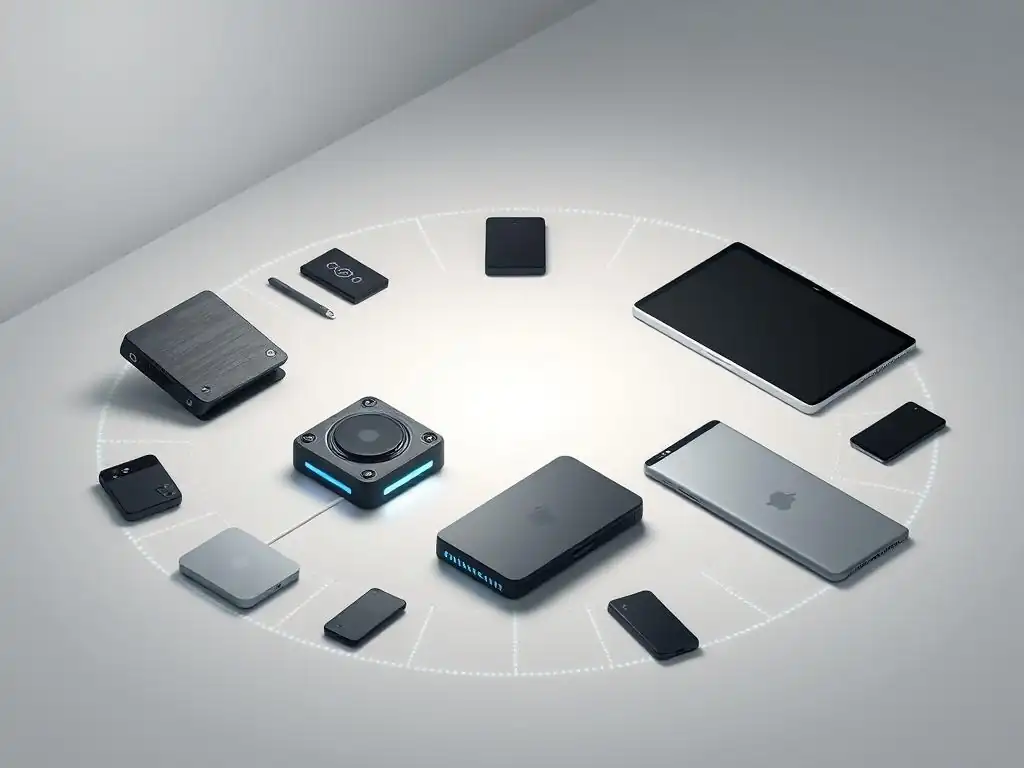
Welcome to Blockchain Trends, your trusted source for unraveling the transformative potential of blockchain technology. Curious about securing your digital assets across various platforms? Dive into our in-depth analysis of Ledger, Trezor, and KeepKey compatibility and discover how these leading hardware wallets perform on different devices. Understanding these nuances is crucial for maximizing security and convenience. Ready to unlock the secrets to seamless cross-platform wallet management? Let's explore!
- Cross-Platform Compatibility: How Ledger, Trezor, and KeepKey Perform on Different Devices
-
Ledger Hardware Wallet Compatibility Across Platforms
- Ledger Nano S Plus Compatibility: Desktop and Mobile Support
- Ledger Nano X Compatibility: Exploring Bluetooth and Mobile Connectivity
- Ledger Stax Compatibility and Future Platform Support
- Using Ledger Live: Desktop Operating System Compatibility (Windows, macOS, Linux)
- Ledger Live Mobile App Compatibility: Android vs. iOS
- Browser Extension Support for Ledger Wallets
- Trezor Model One Compatibility: Desktop and Web Access
- Trezor Model T Compatibility: Touchscreen and Platform Support
- Using Trezor Suite: Desktop Operating System Compatibility (Windows, macOS, Linux)
-
Frequently Asked Questions
- What is cross-platform compatibility in the context of cryptocurrency hardware wallets?
- How do Ledger, Trezor, and KeepKey compare in terms of device compatibility?
- Is there a significant difference in security features among Ledger, Trezor, and KeepKey?
- Can I use Ledger, Trezor, and KeepKey on mobile devices?
- What should I consider when choosing a hardware wallet for cross-platform use?
- Final Reflection: Bridging the Digital Divide
- Unlock Your Crypto Freedom: Choose the Right Wallet for You!
Cross-Platform Compatibility: How Ledger, Trezor, and KeepKey Perform on Different Devices
Understanding Hardware Wallet Compatibility: Why it Matters for Crypto Users
Hardware wallet compatibility is a critical factor for anyone serious about securing their digital assets. A hardware wallet, like those offered by Ledger, Trezor, and KeepKey, stores a user's private keys offline, providing a robust defense against online threats such as malware, phishing attacks, and unauthorized remote access.
However, the utility and accessibility of these devices depend significantly on their ability to interface smoothly with various computing platforms – desktops, laptops, and mobile devices – running different operating systems like Windows, macOS, Linux, Android, and iOS. Without reliable cross-platform support, managing one's cryptocurrency holdings, signing transactions, or accessing decentralized applications (dApps) becomes cumbersome, if not impossible, limiting the user's ability to interact with the blockchain ecosystem securely and efficiently.
The importance of robust Ledger Trezor KeepKey compatibility extends beyond mere convenience; it directly impacts security and user experience. A user might need to access their wallet from different devices depending on their location or the task at hand. For instance, managing large transactions or firmware updates might be best done on a desktop for stability, while checking balances or making small payments on the go requires reliable mobile support.
If a hardware wallet only works with a limited set of platforms, users might be forced to compromise security by using less secure software wallets on unsupported devices or face significant hurdles in accessing their funds. Therefore, evaluating the compatibility of Ledger, Trezor, and KeepKey across a wide range of devices and operating systems is essential for making an informed choice about which hardware wallet best fits a user's diverse needs and technical environment.
The Importance of Cross-Platform Support for Digital Assets
Seamless cross-platform support for hardware wallets is fundamental to the widespread adoption and practical use of digital assets. In a world where individuals use a combination of desktop computers, laptops, tablets, and smartphones daily, a hardware wallet that is confined to a single operating system or device type presents a significant barrier. Users expect to be able to manage their crypto portfolios, sign transactions, and interact with blockchain applications regardless of the device they happen to be using at the moment.
This flexibility is not just about convenience; it enables users to participate fully in the decentralized economy, whether they are at home, in the office, or traveling. Reliable Ledger Trezor KeepKey compatibility across various platforms ensures that users are not locked into a specific technical setup and can maintain control over their assets securely in diverse scenarios.
Furthermore, the ecosystem of blockchain applications – including decentralized finance (DeFi) platforms, NFT marketplaces, and decentralized autonomous organizations (DAOs) – is constantly evolving. Many of these applications are accessed via web browsers or dedicated mobile apps. For a hardware wallet to be truly useful, it must be able to connect and interact with these applications securely across different browsers and device types.
A lack of support on a particular platform might mean a user cannot participate in a crucial smart contract interaction or access a specific service without resorting to potentially less secure methods. Therefore, strong cross-platform support is not just a feature; it's a necessity that empowers users to engage with the full spectrum of the decentralized web while keeping their private keys protected offline, highlighting a key aspect of Ledger Trezor KeepKey compatibility.
Introducing the Contenders: Ledger, Trezor, and KeepKey Hardware Wallets
Ledger, Trezor, and KeepKey are three of the most prominent names in the hardware wallet market, each offering devices designed to provide a secure offline environment for storing cryptocurrency private keys. Ledger, a French company, is known for its Ledger Nano S Plus, Nano X, and the newer Ledger Stax, which support a wide variety of cryptocurrencies and feature their proprietary Ledger Live software for management. Trezor, founded by SatoshiLabs in the Czech Republic, offers the Trezor Model One and Trezor Model T, pioneers in the hardware wallet space, managed through the Trezor Suite application.
KeepKey, now part of the ShapeShift ecosystem, provides a single device known for its large display and integration with the ShapeShift platform. Each of these wallets utilizes different approaches to security, user interface, and, importantly for this discussion, software and hardware compatibility across various platforms.
While their core function – securing private keys offline – is the same, the user experience, supported assets, and the ease with which they connect to different devices and software vary. These differences in design and accompanying software significantly impact their cross-platform capabilities and overall usability. For example, some wallets might rely heavily on desktop applications, while others offer robust mobile support via Bluetooth or USB-C connections.
Evaluating the specific implementation of Ledger Trezor KeepKey compatibility across their respective product lines and software suites is crucial for understanding their strengths and weaknesses when used in diverse computing environments. This comparison will delve into how each brand addresses the challenge of providing seamless and secure access to digital assets across desktops, laptops, and mobile devices.
Ledger Hardware Wallet Compatibility Across Platforms
Ledger Nano S Plus Compatibility: Desktop and Mobile Support
The Ledger Nano S Plus, an evolution of the highly popular Nano S, primarily interfaces with computers via a USB-C cable. Its core compatibility relies on the Ledger Live desktop application, available for Windows, macOS, and Linux. On these desktop platforms, users can easily connect their Nano S Plus via USB to manage accounts, send/receive assets, install apps for different cryptocurrencies, and update firmware using Ledger Live.
This provides a stable and reliable method for interacting with the device. The Nano S Plus requires a USB connection, meaning its primary mode of operation is tethered to a computer, which is a standard approach for many hardware wallets and forms a key part of its Ledger Trezor KeepKey compatibility profile.
While the Nano S Plus is primarily a desktop-oriented device, it does offer limited mobile support via USB-C On-The-Go (OTG) technology. Users can connect their Nano S Plus to compatible Android smartphones using an appropriate USB-C cable or adapter. This allows access to the Ledger Live mobile app on Android for basic management tasks like checking balances and sending transactions.
However, this method is contingent on the Android device supporting USB OTG and is not available for iOS devices due to Apple's more restricted USB peripheral support. Therefore, while the Nano S Plus offers foundational compatibility across major desktop operating systems, its mobile support is restricted to certain Android configurations, differing significantly from the wireless capabilities found in some other models.
Ledger Nano X Compatibility: Exploring Bluetooth and Mobile Connectivity
The Ledger Nano X significantly enhances cross-platform compatibility compared to its predecessor, largely due to the inclusion of Bluetooth connectivity. In addition to the standard USB-C connection available for desktop use with Ledger Live (Windows, macOS, Linux), the Nano X can connect wirelessly to smartphones via Bluetooth Low Energy (BLE).
This feature is particularly valuable for mobile users, enabling seamless interaction with the Ledger Live mobile app on both Android and iOS devices without the need for cables or adapters. The Bluetooth connection allows users to manage their crypto assets, sign transactions, and check balances directly from their phone or tablet, offering a level of convenience not present in USB-only models.
The implementation of Bluetooth on the Nano X provides robust mobile Ledger Trezor KeepKey compatibility, making it a strong choice for users who frequently manage their assets on the go. Both the Android and iOS versions of the Ledger Live mobile app fully support the Nano X via Bluetooth, offering a consistent user experience across the dominant mobile operating systems.
While the Bluetooth connection is primarily for mobile use, the device retains its USB-C port for connecting to desktop computers, ensuring flexibility. This dual connectivity option means the Nano X is highly versatile, functioning effectively whether tethered to a computer or wirelessly connected to a mobile device, addressing a wider range of user scenarios than devices limited to just USB connections.
Ledger Stax Compatibility and Future Platform Support
The Ledger Stax, the latest addition to Ledger's lineup, is designed with enhanced connectivity and a focus on broader integration, including features like E Ink display and wireless charging. Like the Nano X, the Stax supports both USB-C and Bluetooth connectivity. This dual connectivity approach ensures compatibility with both desktop and mobile platforms.
Users can connect the Stax to their Windows, macOS, or Linux computers via USB-C to use the Ledger Live desktop application. For mobile interactions, the Stax leverages Bluetooth Low Energy to connect wirelessly with compatible Android and iOS devices running the Ledger Live mobile app, providing a similar level of mobile flexibility as the Nano X.
Beyond standard desktop and mobile OS compatibility, the Stax is positioned for future integrations within the web3 ecosystem. Its design and connectivity options are intended to facilitate smoother interactions with dApps and services directly from the device or via mobile connections.
While specific platform support beyond the current Ledger Live ecosystem and standard browser extensions is still evolving, the underlying technology – USB-C and Bluetooth – provides a solid foundation for broad Ledger Trezor KeepKey compatibility with current and future computing environments. The focus on a versatile interface and multiple connection methods suggests Ledger's intent to make the Stax a highly adaptable device across a wide spectrum of platforms and decentralized applications.
Using Ledger Live: Desktop Operating System Compatibility (Windows, macOS, Linux)
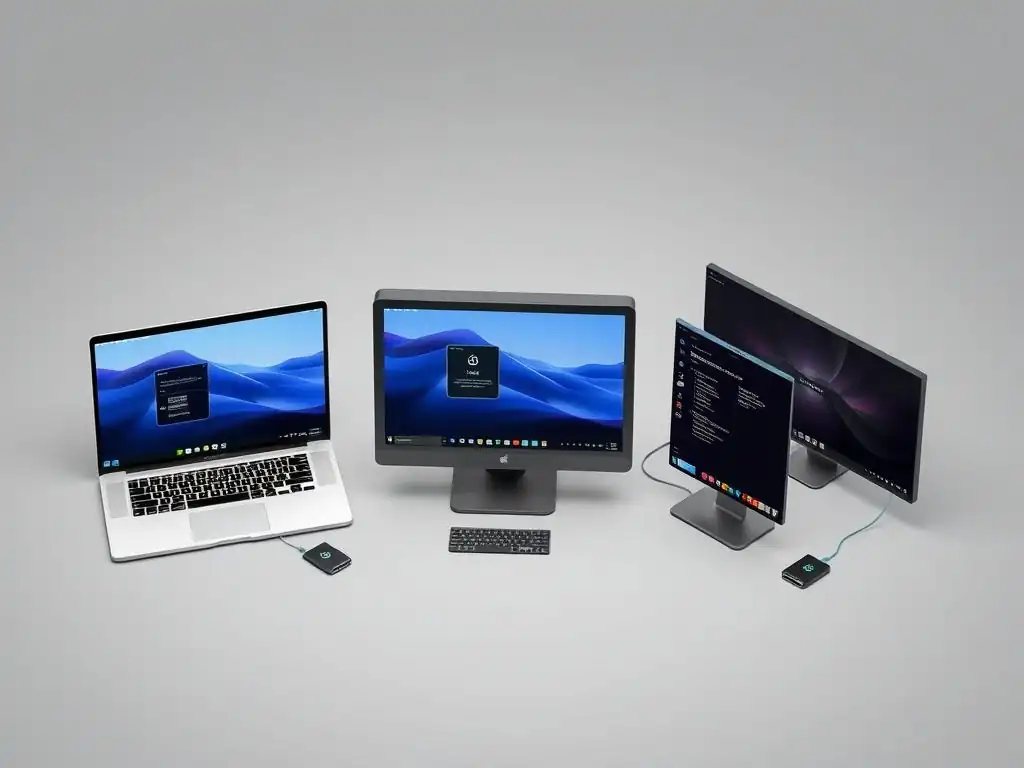
Ledger Live serves as the central software application for managing Ledger hardware wallets, including the Nano S Plus, Nano X, and Stax. Providing reliable desktop support across major operating systems is crucial for Ledger's cross-platform strategy. Ledger Live is available for download and installation on Windows, macOS, and various Linux distributions. On Windows, it typically supports versions Windows 8.1 and later. For macOS, support generally covers versions 10.14 (Mojave) and newer. On the Linux side, Ledger provides packages and support for prominent distributions such as Ubuntu, Debian, Fedora, and Arch Linux, though specific version requirements may vary.
The availability of Ledger Live across these three major desktop operating systems ensures that a vast majority of computer users can connect and manage their Ledger hardware wallets. The installation process is straightforward, and the application provides a consistent interface for tasks like setting up the device, managing cryptocurrency accounts (which number over 5,000 supported assets), installing/uninstalling apps on the wallet, sending/receiving transactions, and updating firmware.
This broad desktop OS compatibility is a significant factor in the overall Ledger Trezor KeepKey compatibility comparison, providing users with flexibility regardless of their preferred desktop environment. Regular updates are released to maintain security, add features, and ensure continued compatibility with the latest OS versions.
Ledger Live Mobile App Compatibility: Android vs. iOS
In addition to desktop support, Ledger offers the Ledger Live mobile app, extending management capabilities to smartphones and tablets. The mobile app is available for both Android and iOS platforms, enabling users to interact with their Ledger Nano X or Stax wirelessly via Bluetooth, or with the Nano S Plus via USB OTG on compatible Android devices.
On Android, the Ledger Live mobile app is generally compatible with devices running Android 8.1 (Oreo) and later. This covers a wide range of modern Android smartphones and tablets, allowing users to manage their assets on the go, subject to the specific wallet model's connectivity options (USB OTG for Nano S Plus, Bluetooth for Nano X/Stax).
For iOS users, the Ledger Live mobile app is available for devices running iOS 13 and later. Crucially, due to Apple's restrictions on USB peripherals, only the Ledger Nano X and Stax models, which support Bluetooth connectivity, are compatible with the Ledger Live iOS app. The Nano S Plus, being a USB-only device, cannot connect to iPhones or iPads via the Ledger Live app.
This distinction is a key point in understanding the mobile Ledger Trezor KeepKey compatibility landscape – while both Android and iOS apps exist, the specific Ledger hardware wallet model dictates which mobile operating systems are supported. The mobile apps offer core functionalities like checking balances, sending/receiving transactions, and viewing transaction history, providing essential wallet management capabilities away from a desktop computer.
Browser Extension Support for Ledger Wallets
Beyond dedicated desktop and mobile applications, Ledger hardware wallets can also interact with various web-based blockchain applications and services through browser extensions. The most prominent example is the integration with popular web wallets like MetaMask, which can be secured by a Ledger device.
By using a browser extension (like MetaMask) in conjunction with the Ledger hardware wallet connected via USB (or Bluetooth for Nano X/Stax on compatible setups), users can interact with dApps directly from their web browser (e.g., Chrome, Firefox, Brave, Edge). When a transaction needs to be signed, the browser extension prompts the Ledger device, and the user confirms the details on the wallet's screen.
This method provides broad compatibility with the decentralized web across different operating systems, provided a compatible browser and extension are used. This form of Ledger Trezor KeepKey compatibility is vital for accessing the vast ecosystem of DeFi, NFTs, and other blockchain services.
While Ledger doesn't typically offer its own dedicated browser extension for general wallet management (relying on Ledger Live for that), its integration with widely used third-party browser extensions significantly expands its reach and utility across desktop and laptop platforms. This integration allows Ledger users to securely sign transactions within their web browser environment, adding another layer to the overall platform support offered by Ledger devices.
Trezor Model One Compatibility: Desktop and Web Access
The Trezor Model One, the original hardware wallet from SatoshiLabs, primarily relies on a USB connection for communication with computers. Its compatibility spans the major desktop operating systems: Windows, macOS, and Linux. Users typically interact with the Trezor Model One through the Trezor Suite desktop application or the Trezor Suite web interface (suite.trezor.io), both of which require a physical USB connection to the device.
On Windows, support generally starts from Windows 10, though it may work on earlier versions with specific drivers. macOS compatibility is usually from 10.11 (El Capitan) onwards. Linux support is broad, covering distributions like Ubuntu, Debian, and Fedora, often requiring udev rules for proper device recognition.
The primary method of interaction, whether via the desktop application or the web interface, necessitates the device being physically connected to the computer. This makes the Trezor Model One a desktop-centric device. While it offers robust Ledger Trezor KeepKey compatibility across desktop environments, it does not natively support direct connection to mobile devices like smartphones or tablets for wallet management.
Users wanting to access their Trezor Model One on a mobile device would typically need to use a third-party wallet application that supports connecting to Trezor via USB OTG on Android (similar to the Nano S Plus), but this is not officially supported by Trezor Suite and can have limitations. The Model One's strength lies in its reliable performance and broad OS support on desktop platforms.
Trezor Model T Compatibility: Touchscreen and Platform Support
The Trezor Model T, the successor to the Model One, builds upon its predecessor's capabilities with enhanced features, including a color touchscreen and a faster processor. Like the Model One, the Model T connects to computers via USB-C and is compatible with Windows, macOS, and Linux operating systems. It works seamlessly with both the Trezor Suite desktop application and the Trezor Suite web interface.
The OS version requirements are similar to the Model One, generally supporting modern versions of Windows, macOS, and a wide array of Linux distributions. The USB-C connection provides a stable and reliable link for managing assets, performing transactions, and interacting with the device via Trezor Suite.
A key difference in Ledger Trezor KeepKey compatibility for the Model T compared to the Model One is its improved potential for mobile connectivity, although still primarily via USB. While Trezor Suite is not available as a native mobile app, the Model T's USB-C port allows for easier connection to compatible Android devices using USB OTG. This enables interaction with certain third-party Android wallet apps that have integrated Trezor support.
However, direct official support via a dedicated mobile app from Trezor is not available, nor is Bluetooth connectivity for wireless mobile use, unlike the Ledger Nano X or Stax. The Model T remains primarily a desktop-oriented hardware wallet, albeit with a more user-friendly interface and expanded feature set compared to the Model One.
Using Trezor Suite: Desktop Operating System Compatibility (Windows, macOS, Linux)
Trezor Suite is the official application for managing Trezor hardware wallets (Model One and Model T), available as both a desktop application and a web interface. Providing robust compatibility across the major desktop operating systems – Windows, macOS, and Linux – is central to Trezor's strategy for Ledger Trezor KeepKey compatibility on computers. The Trezor Suite desktop application is available for download and installation, offering a secure and integrated environment for managing cryptocurrencies, using the built-in exchange feature, and accessing privacy tools like CoinJoin.
On Windows, it supports versions typically from Windows 10 onwards. For macOS, compatibility usually starts from macOS 10.11 (El Capitan) or later. Linux users are supported across various distributions, with installation methods often involving AppImage or package managers, and requiring specific udev rules to allow the device to be recognized.
Alternatively, users can access Trezor Suite via a web browser by navigating to suite.trezor.io. This web-based version offers similar functionality to the desktop application and is accessible from any operating system with a compatible web browser (e.g., Chrome, Firefox, Brave, Edge) that supports WebUSB. Using the web version still requires the Trezor device to be connected to the computer via USB.
This dual approach – providing both a dedicated desktop application and a web-based interface – ensures broad desktop OS compatibility and offers users flexibility in how they access their Trezor wallet. Regular software updates for Trezor Suite are released to maintain security, add support for new cryptocurrencies, and ensure continued compatibility with the latest versions of Windows, macOS, and Linux, solidifying Trezor's desktop Ledger Trezor KeepKey compatibility profile.
Frequently Asked Questions
What is cross-platform compatibility in the context of cryptocurrency hardware wallets?
Cross-platform compatibility refers to the ability of hardware wallets like Ledger, Trezor, and KeepKey to function seamlessly across different operating systems and devices, enhancing user accessibility.
How do Ledger, Trezor, and KeepKey compare in terms of device compatibility?
All three wallets offer varied compatibility with devices. Ledger is known for its extensive support, while Trezor and KeepKey may have more limited options depending on the operating system.
Is there a significant difference in security features among Ledger, Trezor, and KeepKey?
While all three wallets prioritize security, Ledger and Trezor are often considered more robust due to their advanced security features and regular updates, whereas KeepKey has a more basic security approach.
Can I use Ledger, Trezor, and KeepKey on mobile devices?
Yes, each of these wallets has mobile compatibility, but the functionality may vary. Ledger and Trezor tend to offer more comprehensive mobile app support compared to KeepKey.
What should I consider when choosing a hardware wallet for cross-platform use?
When selecting a hardware wallet, consider device compatibility, security features, and user experience across platforms. Always ensure that the wallet supports the specific cryptocurrencies you intend to store.
Final Reflection: Bridging the Digital Divide
The exploration of Ledger, Trezor, and KeepKey compatibility across various devices underscores a critical truth in today's digital landscape: seamless accessibility is paramount. No matter the security features or innovative designs, a cryptocurrency hardware wallet's true value lies in its ability to integrate smoothly into the user's existing ecosystem. The ability to access and manage digital assets across diverse platforms is no longer a luxury, but a fundamental expectation.
The ongoing quest for cross-platform compatibility reflects a deeper shift in how we interact with technology. It's about empowering individuals, regardless of their preferred operating system or device, to participate fully in the decentralized future. This pursuit is not merely technical; it's about inclusivity and ensuring that the benefits of blockchain technology are accessible to all. Technology is best when it brings people together.
- Matt Mullenweg
As you navigate the ever-evolving world of cryptocurrency and hardware wallets, remember that compatibility is more than just a feature; it's a gateway. Consider how these devices fit into your own digital life, and choose the solution that best empowers you to manage your assets securely and effortlessly, regardless of the device you choose to use. Let us all strive to promote and demand greater accessibility, ensuring that the future of finance is truly decentralized and inclusive for everyone.
Unlock Your Crypto Freedom: Choose the Right Wallet for You!
Thank you for exploring the world of hardware wallets and their cross-platform capabilities with us. We hope you now have a clearer understanding of how Ledger, Trezor, and KeepKey perform across different devices. It's time to put that knowledge into action and safeguard your crypto assets!
Here are some steps you can take next:
- Decide which hardware wallet best fits your devices and crypto holdings, prioritizing seamless integration and user experience. This decision is crucial for securing your investments.
- Share this article with friends or family members who are also exploring hardware wallets. Help them make informed choices and protect their digital assets.
- Visit the official websites of Ledger, Trezor, and KeepKey to learn more about their technical features and supported platforms.
Which wallet's cross-platform capabilities impressed you the most, and how will that influence your future security choices?
Leave a Reply