
User Testimonials: Real Experiences with Ledger, Trezor, and KeepKey

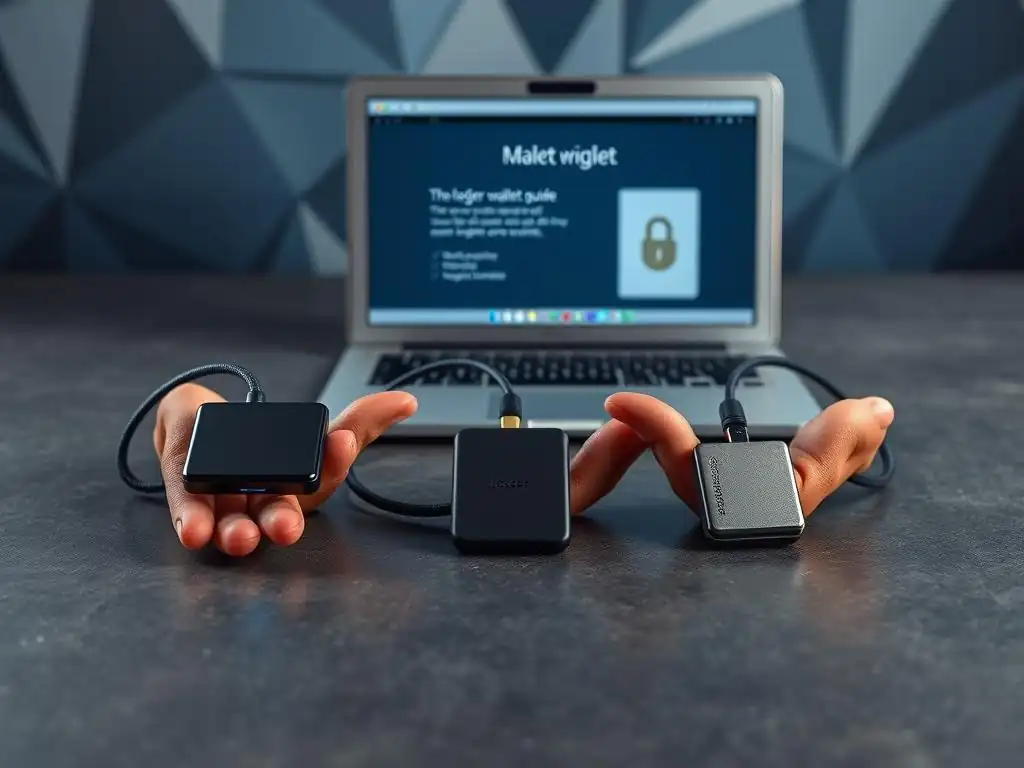
Welcome to Blockchain Trends, your compass in the rapidly evolving world of decentralized technologies. Beyond the hype of cryptocurrencies lies a universe of potential, from revolutionizing finance with DeFi to transforming enterprise operations. Are you ready to take control of your digital assets? Dive into our latest insights, including user experiences with popular hardware wallets, and explore our comprehensive Ledger hardware wallet setup guide. Discover how to securely manage your crypto and unlock the full potential of blockchain, starting with a simple, yet crucial step. What are the pros and cons users are experiencing? Find out now!
- User Testimonials: Real Experiences with Ledger, Trezor, and KeepKey
- Ledger Hardware Wallet: User Experiences and Reviews
- Trezor Hardware Wallet: User Insights and Feedback
- KeepKey Hardware Wallet: Real User Experiences
- Comparing User Experiences: Ledger vs Trezor vs KeepKey
- Conclusion: Choosing the Right Hardware Wallet for You
-
Frequently Asked Questions
- How do Ledger, Trezor, and KeepKey compare in terms of ease of setup for beginners?
- What are the most common issues users face during the Ledger hardware wallet setup process?
- Do user testimonials mention differences in the security features of Ledger, Trezor, and KeepKey during setup?
- How important is the Ledger Live application for managing your wallet after the initial setup, according to user reviews?
- What do user testimonials say about the quality of customer support available for Ledger, Trezor, and KeepKey during the setup and onboarding process?
- Final Reflection: Securing Your Digital Future
- Secure Your Crypto Future: Start Now!
User Testimonials: Real Experiences with Ledger, Trezor, and KeepKey
Introduction to Crypto Wallets and Security
The proliferation of blockchain technology has brought with it a critical need for robust digital asset security. While cryptocurrencies and other tokens reside on decentralized ledgers, access and control are typically managed through private keys. The security of these keys is paramount, as their compromise can lead to the irreversible loss of funds.
This is where crypto wallets, particularly hardware wallets, play an indispensable role, moving the private keys offline and away from potential online threats like malware and phishing attacks. Understanding the different types of wallets and their security implications is the first step in protecting your digital wealth in the ever-evolving blockchain landscape.
Hardware wallets represent the gold standard for securing significant amounts of cryptocurrency. Unlike software wallets that reside on internet-connected devices, hardware wallets store private keys in a secure, offline environment, often a dedicated chip. Ledger, Trezor, and KeepKey are three of the most prominent players in this space, each offering distinct features and security models.
These devices require physical confirmation for transactions, adding an extra layer of security against remote attacks. While their core function is similar – safeguarding private keys – user experiences can vary significantly based on factors like setup complexity, supported assets, interface design, and ongoing software updates.
Ledger Hardware Wallet: User Experiences and Reviews
Setting Up Your Ledger Hardware Wallet
Setting up a Ledger hardware wallet is often the first interaction users have with the device, and the experience can significantly shape their perception. The general Ledger hardware wallet setup guide involves connecting the device, initializing it, choosing a PIN code (typically 4-8 digits), and crucially, generating and backing up a 24-word recovery phrase.
This phrase is the master key to your crypto assets and must be stored securely offline, as anyone with access to it can restore your wallet on a different device. Ledger provides clear instructions, but the process requires careful attention to detail, especially when writing down the recovery phrase.
While the process is designed to be straightforward, common issues users encounter during setup include difficulties connecting the device (sometimes requiring a different cable or USB port), errors during firmware updates, or confusion regarding the correct order and spelling of the recovery words. Some users have reported initial frustrations with the Ledger Live software not recognizing the device immediately. However, Ledger's support documentation and community forums often provide solutions, such as reinstalling drivers or trying a different computer. Mastering the Ledger hardware wallet setup guide is essential for new users to feel confident in their security posture.
User Testimonials on Ledger
Positive experiences with Ledger hardware wallets frequently highlight their strong security track record and wide support for various cryptocurrencies. Many users express confidence in Ledger's Secure Element chip, which is certified (e.g., CC EAL5+ certification for the chip used in some models), stating it provides peace of mind knowing their private keys are isolated.
The Ledger Live software is often praised for its user-friendly interface, allowing easy management of multiple assets and viewing transaction history. One user commented on a forum, "Once I got through the initial Ledger hardware wallet setup guide, managing my portfolio felt incredibly secure and intuitive through Ledger Live."
However, challenges faced by users often revolve around software updates and connectivity issues. Some users have reported problems during firmware updates, which, if interrupted, can necessitate a device reset. There have also been instances where connectivity problems with certain operating systems or USB ports have caused frustration.
While Ledger has addressed some past security incidents transparently, these events have also been a point of concern for a segment of the user base, leading to increased scrutiny over their security protocols beyond the hardware itself. Improving software stability and providing clearer troubleshooting for common connection issues are areas frequently mentioned for improvement.
Trezor Hardware Wallet: User Insights and Feedback
Trezor Hardware Wallet Setup: A User's Perspective
The Trezor hardware wallet setup process is generally regarded as simple and user-friendly, particularly for beginners. The comprehensive Trezor setup guide typically begins with connecting the device and visiting the official Trezor website or using their desktop application, Trezor Suite. Users initialize the device, create a PIN, and generate a 12-word or 24-word recovery seed (depending on the model). A key security feature highlighted during the setup is the requirement to input the PIN and recovery words directly on the computer screen based on a randomized layout shown on the Trezor device, which helps protect against keyloggers.
Tips for a smooth Trezor wallet setup experience often include double-checking the recovery seed words multiple times and storing the physical copy securely offline. Users recommend performing the setup on a trusted computer free from malware. Compared to some other devices, the Trezor setup is often described as quick, taking perhaps 5-10 minutes for the initial configuration. The Trezor Suite software is generally seen as intuitive, guiding users through the necessary steps and providing clear visual feedback on the device itself during critical actions like confirming addresses or transactions.
User Testimonials on Trezor
Advantages highlighted by Trezor users frequently include its open-source nature and strong emphasis on security transparency. Many users appreciate that the software and hardware designs are publicly available, fostering trust within the technical community. The user interface, particularly the Trezor Suite application, is often praised for its clarity and ease of use, even for managing advanced features like coin control. Users often mention the robust build quality of the devices. One long-time user noted, "I've used my Trezor Model T for years, and the interface is clean, the security feels solid, and I trust the open-source approach."
Critiques from users, however, sometimes point to a slightly smaller list of directly supported coins compared to competitors, although integration with third-party wallets often mitigates this. Some users find the touch screen on the Model T less responsive than expected, while others using the Model One note the lack of a screen for PIN entry directly on the device as a minor drawback (though this is part of its security model against malware).
While generally reliable, occasional software glitches or connectivity hiccups are reported, similar to other hardware wallets, though less frequently cited as a major pain point compared to the recovery seed process which requires meticulous attention.
KeepKey Hardware Wallet: Real User Experiences
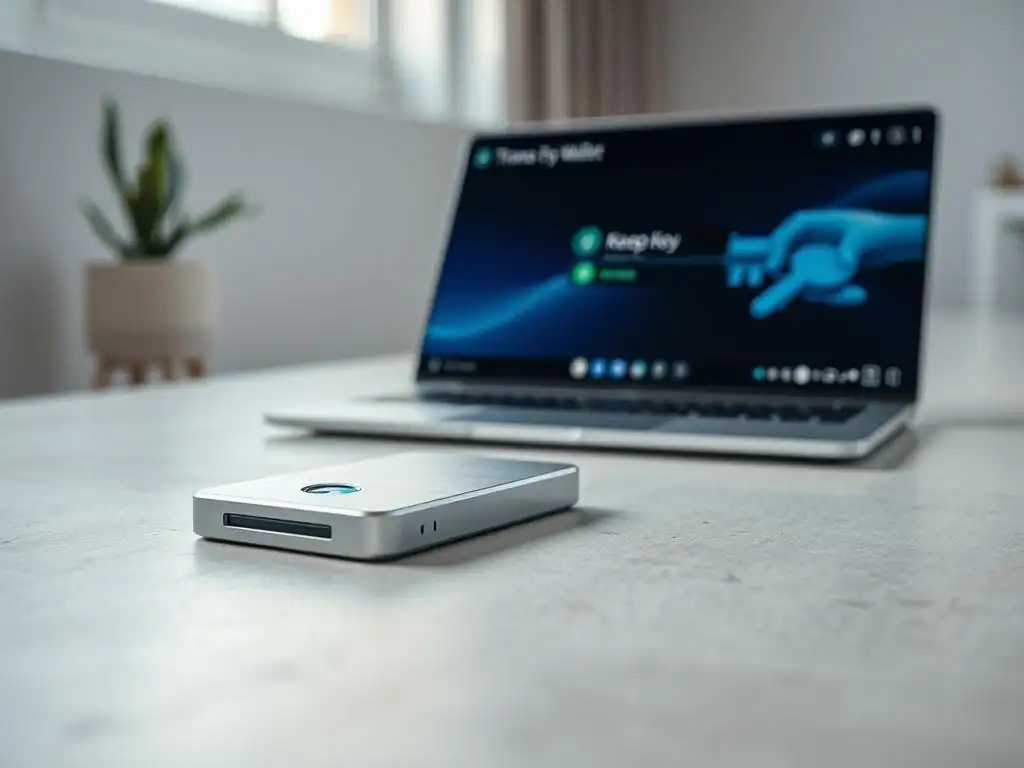
KeepKey Wallet Setup Guide: User-Friendly Insights
The KeepKey wallet setup guide is often described as one of the most straightforward among the major hardware wallets, appealing to users prioritizing simplicity. The process involves connecting the device, installing the necessary client software (often a desktop application or browser extension), and following the on-screen instructions to initialize the device, set a PIN, and generate a 12-word recovery phrase. KeepKey's large, clear display is frequently mentioned as a positive factor during setup, making it easy to read and verify information like the recovery words.
Common setup issues and their solutions for KeepKey users sometimes involve ensuring the correct client software is installed and updated. Historically, some users encountered issues with browser extension compatibility, though dedicated desktop applications have improved this. Like other wallets, forgetting the PIN or improperly backing up the recovery phrase are the most significant user errors. KeepKey provides prompts and warnings during the setup to emphasize the importance of these steps. If a user loses their PIN, the only recovery method is using the recovery phrase, underscoring the critical nature of this step in the KeepKey wallet setup guide.
User Testimonials on KeepKey
Strengths of KeepKey frequently cited by users include its large, clear display and simple, intuitive user interface, both on the device and within its software. Many users find the design aesthetically pleasing and the physical interaction with the device during transactions very clear due to the screen size. Its integration with platforms like Shapeshift (its former parent company) for easy in-wallet exchanges was also a notable feature for some users, although the focus has shifted. One user commented, "The KeepKey setup was a breeze, and the large screen makes confirming transactions really easy on the eyes."
User feedback on limitations often compares KeepKey to its competitors, noting a generally smaller range of directly supported native coins compared to Ledger or Trezor, although integration with other wallet interfaces can expand this. Some users have expressed concerns about the pace of software updates and feature development compared to Ledger or Trezor. While its simplicity is a strength for some, advanced users might find fewer configuration options. The physical size of the device, while enabling a large screen, is sometimes mentioned as less portable than smaller competitors.
Comparing User Experiences: Ledger vs Trezor vs KeepKey
User Satisfaction Ratings: Ledger, Trezor, and KeepKey
User satisfaction ratings for Ledger, Trezor, and KeepKey generally place all three in a positive light, reflecting their core function of providing secure offline storage. Across various review platforms and forums, Ledger and Trezor often receive slightly higher average ratings, frequently hovering around 4.0 to 4.5 stars out of 5, based on thousands of reviews. KeepKey typically scores slightly lower, perhaps in the 3.8 to 4.2 range, often due to the perceived limitations in coin support or feature set compared to the market leaders. However, satisfaction levels are highly dependent on individual user needs and expectations.
Key factors influencing user satisfaction include the ease and clarity of the initial setup process (like the Ledger hardware wallet setup guide), the reliability of the device and accompanying software (e.g., Ledger Live, Trezor Suite), the breadth of supported cryptocurrencies, the perceived security of the hardware and software, and the quality of customer support. Users who value simplicity and a large screen might rate KeepKey higher, while those prioritizing open-source transparency might prefer Trezor. Users needing broad altcoin support and a comprehensive management app often lean towards Ledger.
Key Takeaways from User Testimonials
Based on user testimonials, there are clear patterns in what users love and where they experience pain points across the three devices. Users appreciate Ledger's extensive coin support and integrated Ledger Live ecosystem, which simplifies managing diverse portfolios after completing the Ledger hardware wallet setup guide. Trezor users frequently praise its open-source nature and user-friendly Trezor Suite software. KeepKey users often highlight the device's large screen and straightforward interface as major positives.
Common pain points across all three include difficulties with firmware updates, confusion or anxiety surrounding the secure storage of the recovery phrase, and occasional software glitches or connectivity issues. Users sometimes express frustration with the limitations of direct coin support on Trezor and KeepKey compared to Ledger.
Recommendations from the community often emphasize the critical importance of carefully following the setup instructions, particularly the recovery phrase backup, regardless of whether you're navigating a Ledger hardware wallet setup guide or setting up a Trezor or KeepKey. Users advise researching supported coins and software features before purchasing to ensure the wallet meets their specific needs.
Conclusion: Choosing the Right Hardware Wallet for You
Final Thoughts on Ledger, Trezor, and KeepKey
Based on the wealth of user experiences, Ledger, Trezor, and KeepKey each offer a secure foundation for protecting crypto assets, but they cater to slightly different user preferences. Ledger stands out for its broad asset support and comprehensive Ledger Live application, making it popular for users with diverse portfolios, provided they carefully follow the Ledger hardware wallet setup guide.
Trezor appeals to those who value open-source principles and a clean, reliable software experience. KeepKey offers a simple, visually clear option, particularly suitable for users who prioritize ease of use and a large display, despite having a smaller list of natively supported assets.
Deciding how to decide based on your needs and preferences involves considering several factors: the types and number of cryptocurrencies you hold, your technical comfort level, your preference for open-source transparency versus a closed-source Secure Element, and your budget. If extensive altcoin support is crucial, Ledger might be the primary consideration. If maximum transparency and a strong emphasis on the recovery seed process appeal to you, Trezor is a strong contender.
If simplicity and a large screen are top priorities, KeepKey is worth evaluating. Regardless of choice, the most critical step is diligently following the setup process and securely backing up your recovery phrase.
Call to Action: Explore and Secure Your Crypto Assets
Securing your private keys with a hardware wallet is a fundamental step towards responsible cryptocurrency ownership. Exploring the options provided by Ledger, Trezor, and KeepKey allows you to find the device that best fits your security needs and usability preferences.
Consider your own digital security habits and portfolio composition as you review the user experiences shared for each device. Taking the time to understand the Ledger hardware wallet setup guide, the Trezor process, or the KeepKey steps is an investment in protecting your assets. Many resources are available to help you make an informed decision and confidently secure your crypto.
Frequently Asked Questions
How do Ledger, Trezor, and KeepKey compare in terms of ease of setup for beginners?
User testimonials often highlight that Ledger and Trezor are relatively user-friendly, with clear on-screen instructions. KeepKey, while functional, may have a slightly steeper learning curve for newcomers.
What are the most common issues users face during the Ledger hardware wallet setup process?
Some users report difficulties with firmware updates or authenticating their device initially. Others struggle with understanding the recovery phrase backup process.
Do user testimonials mention differences in the security features of Ledger, Trezor, and KeepKey during setup?
While all three emphasize security, some users prefer Ledger's secure element chip. Others appreciate Trezor's open-source nature for transparency and KeepKey's simple interface.
How important is the Ledger Live application for managing your wallet after the initial setup, according to user reviews?
Ledger Live is generally considered essential for managing accounts, installing apps, and performing transactions securely. User opinions vary, with some finding it intuitive and others less so.
What do user testimonials say about the quality of customer support available for Ledger, Trezor, and KeepKey during the setup and onboarding process?
Experiences vary, but quicker response times and more helpful assistance are frequently attributed to Ledger's support team. Trezor's community support is often praised, while KeepKey's support may be less readily available.
Final Reflection: Securing Your Digital Future
The exploration of user testimonials regarding Ledger, Trezor, and KeepKey highlights a crucial truth: the security of our digital assets hinges on informed choices and real-world experiences. In a world increasingly driven by cryptocurrency and blockchain technology, understanding the nuances of hardware wallet setup and usability is no longer a niche concern, but a fundamental necessity for anyone venturing into this space. The diverse perspectives shared throughout this article underscore the importance of moving beyond marketing hype and embracing the practical realities of securing your digital wealth.
The impact of these hardware wallets extends far beyond simply storing cryptocurrency; they represent a shift in power, placing control directly into the hands of the individual. This journey into self-custody, while empowering, also necessitates a deep understanding of the tools we employ. It's a responsibility that demands careful consideration and a willingness to learn from the experiences of others. Security is always excessive until it's not enough.
This quote perfectly encapsulates the mindset required when dealing with digital assets – proactive measures, informed by real-world feedback, are paramount.
As you navigate the complex landscape of cryptocurrency security, remember that the journey of securing your digital future is a continuous one. Take the insights shared in this article, the triumphs and tribulations of fellow users, and use them as a foundation for your own informed decisions. Reflect on your own risk tolerance, your technical proficiency, and your long-term goals. The power to protect your digital assets lies within your grasp – embrace it, learn from it, and build a secure future, one transaction at a time.
Secure Your Crypto Future: Start Now!
Thank you for exploring the real-world experiences of cryptocurrency users with various hardware wallets. We hope these insights have helped you understand the importance of securing your digital assets. Are you ready to take the next step?
Here are some actions you can take today:
- Research the hardware wallet that best suits your needs by reviewing detailed specifications and official resources.
- Join the Blockchain Trends community forum to ask questions and share experiences with fellow enthusiasts.
- Consider documenting your own crypto security journey and sharing it to help others navigate the world of digital asset protection.
Which feature or user experience influenced your choice of a hardware wallet, and how do you plan to incorporate it into your security setup? Share your thoughts in the comments below!
Leave a Reply