
Wallet Integration: How Ledger, Trezor, and KeepKey Work with DeFi Platforms

Welcome to Blockchain Trends, your gateway to understanding the revolutionary impact of blockchain technology.
Ever wondered how your hardware wallet can seamlessly interact with the world of Decentralized Finance (DeFi)? This article unlocks the secrets of secure DeFi participation. Dive in to our Ledger DeFi integration tutorial and discover how to connect your Ledger, Trezor, or KeepKey to DeFi platforms, safeguarding your assets while exploring the future of finance. Ready to take control of your DeFi journey? Let's begin!
- Wallet Integration: How Ledger, Trezor, and KeepKey Work with DeFi Platforms
- Connecting Ledger to DeFi Platforms: A Step-by-Step Tutorial
-
Frequently Asked Questions
- How does Ledger integration enhance the security of DeFi transactions?
- What are the primary DeFi platforms compatible with Ledger devices?
- What are the main steps involved in connecting a Ledger to a DeFi platform?
- What are the potential risks associated with using Ledger in DeFi, and how can they be mitigated?
- Where can I find a detailed "Ledger DeFi integration tutorial" for beginners?
- Final Reflection: Embracing the Decentralized Future
- Unlock Your DeFi Potential!
Wallet Integration: How Ledger, Trezor, and KeepKey Work with DeFi Platforms
Securing Your DeFi Assets: Why Hardware Wallets are Essential
The decentralized finance (DeFi) ecosystem has witnessed explosive growth, with billions of dollars in Total Value Locked (TVL) across various protocols like lending platforms, decentralized exchanges (DEXs), and yield farming applications. While DeFi offers unprecedented financial opportunities, it also introduces unique security risks. Unlike traditional finance where assets are held by regulated intermediaries, in DeFi, users are solely responsible for their private keys, which grant control over their funds. Vulnerabilities in smart contracts, phishing attacks targeting users, and exploits on platforms can lead to significant financial losses if private keys are compromised.
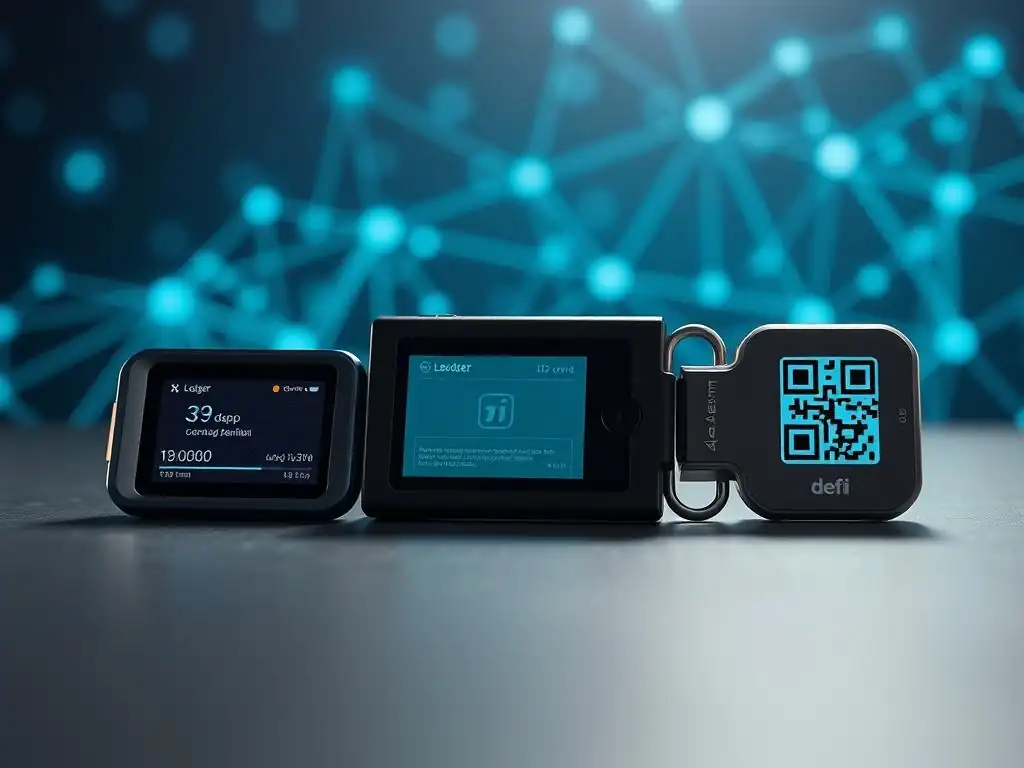
Hardware wallets like Ledger, Trezor, and KeepKey provide a critical layer of security by storing private keys in an isolated, offline environment. This "cold storage" method means the sensitive private key never leaves the physical device, even when interacting with online platforms or dApps.
Transactions are initiated on a computer or smartphone, but the crucial step of signing the transaction occurs securely within the hardware wallet after the user manually verifies and approves the details on the device's screen. This process makes it significantly harder for malicious software or phishing attempts to gain access to private keys, thus protecting assets held within the wallet from remote attacks, which is a foundational step in any secure Ledger DeFi integration tutorial.
Understanding Hardware Wallet Integration with Decentralized Finance (DeFi)
Integrating hardware wallets with DeFi platforms doesn't mean the hardware wallet directly connects to the blockchain or the DeFi protocol itself. Instead, the hardware wallet acts as a secure signing device. When a user wants to perform an action on a DeFi platform – such as swapping tokens on Uniswap, lending assets on Aave, or providing liquidity on Curve – they typically connect to the platform using a software wallet interface like MetaMask or WalletConnect. This software wallet, in turn, is configured to use the hardware wallet as its source for signing transactions.
The workflow for a hardware wallet-signed transaction in DeFi is a multi-step process. First, the user initiates the desired action on the DeFi platform's web interface. The platform generates the unsigned transaction data and sends it to the connected software wallet. The software wallet then forwards this raw transaction data to the connected hardware wallet (e.g., via a USB cable or Bluetooth).
The hardware wallet's secure element processes the data, displays the critical transaction details (like recipient address, amount, gas fees) on its small screen for user verification, and upon physical confirmation (pressing a button), signs the transaction using the private key stored securely within the device. The signed transaction is then sent back to the software wallet, which broadcasts it to the blockchain network. This secure hand-off is essential for a successful and safe Ledger DeFi integration tutorial.
The Role of MetaMask and WalletConnect in Hardware Wallet DeFi Connectivity
Software wallets like MetaMask have become ubiquitous interfaces for interacting with the Ethereum network and EVM-compatible chains, which host the majority of DeFi activity. While MetaMask can generate and store private keys itself (hot wallet mode), it also serves as a crucial bridge for hardware wallets. By selecting the "Connect Hardware Wallet" option within MetaMask, users can link their Ledger, Trezor, or KeepKey device.
MetaMask then communicates with the hardware wallet to derive public addresses and request transaction signatures, but it never has direct access to the hardware wallet's private key. This setup combines the convenience of a browser-based interface with the superior security of cold storage.
WalletConnect is another pivotal technology enabling hardware wallet use in DeFi, particularly for mobile interactions. It's an open protocol that allows users to connect decentralized applications (dApps) running on a desktop browser or mobile device to a mobile wallet application. Many popular mobile wallets support WalletConnect and can be linked to a hardware wallet (either directly or via a desktop companion app).
When a user initiates a transaction on a dApp using WalletConnect, the request is relayed to their mobile wallet, which then prompts the user to confirm the transaction, often requiring the hardware wallet to be connected and used for signing. This protocol provides a secure, encrypted connection for transaction relay, facilitating Ledger DeFi integration across a wider range of devices and platforms.
Connecting Ledger to DeFi Platforms: A Step-by-Step Tutorial
Setting Up Your Ledger Device for DeFi Use
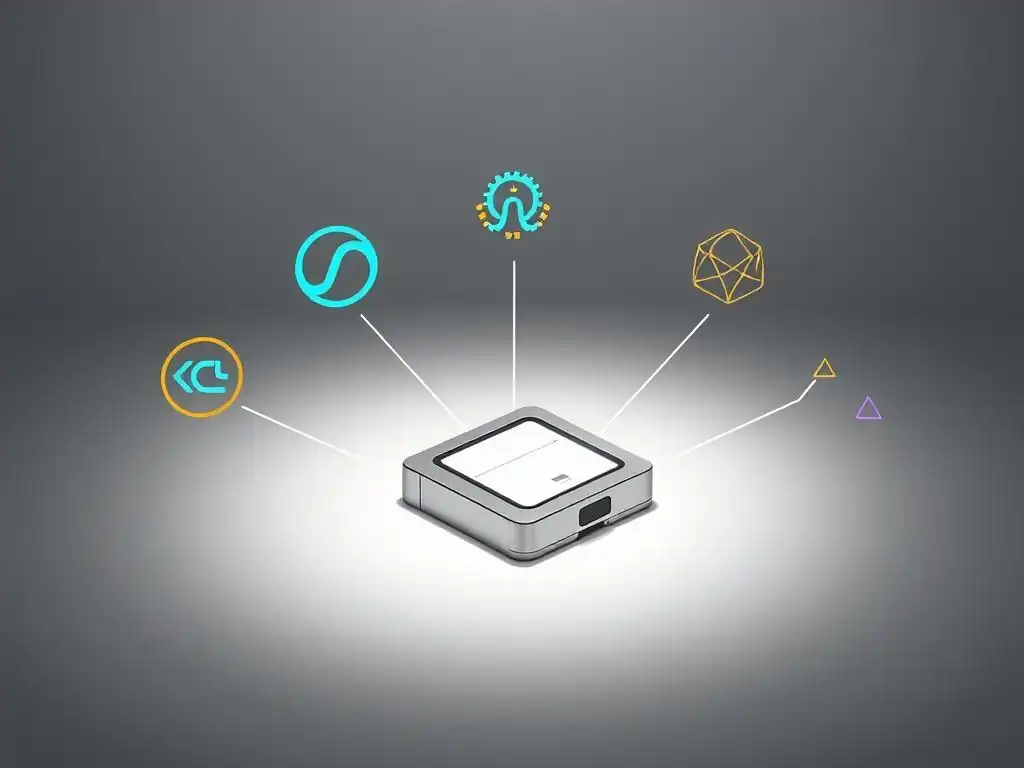
Before you can begin using your Ledger Nano S or Nano X device to interact with decentralized finance applications, the initial setup is paramount. This involves initializing the device if it's brand new, which requires setting a PIN code (typically 4-8 digits) and meticulously writing down the 24-word recovery phrase. This recovery phrase is the master key to your crypto assets; lose it and you could lose access to your funds if the device is damaged or lost.
Store this phrase securely offline, away from your device. Ledger Live, the companion desktop and mobile application, is essential for managing your device, installing necessary blockchain applications (like Ethereum, Polygon, Binance Smart Chain, etc., depending on which DeFi protocols you intend to use), and updating firmware.
Once your device is initialized and the recovery phrase is backed up and verified (Ledger Live has a process for this), you must install the specific blockchain application for the network hosting the DeFi platform you want to use. For example, if you plan to interact with Uniswap on Ethereum, you need the Ethereum app installed via Ledger Live. If you want to use a protocol on Polygon, you need the Polygon app.
Each app consumes storage space on the device, particularly relevant for the Ledger Nano S which has limited capacity compared to the Nano X. Ensuring the correct apps are installed and the device firmware is up-to-date via Ledger Live are crucial preparatory steps in this Ledger DeFi integration tutorial.
Integrating Your Ledger Nano S or Ledger Nano X
The core of a Ledger DeFi integration tutorial involves connecting your Ledger device to a software wallet interface that can then interact with DeFi platforms. The most common method is using MetaMask. First, connect your Ledger Nano S (via USB) or Nano X (via USB or Bluetooth) to your computer or smartphone.
Unlock your Ledger device by entering your PIN. Then, open the specific blockchain application on your Ledger that corresponds to the network you'll be using (e.g., open the 'Ethereum' app for Ethereum-based DeFi). Ensure 'Blind Signing' or 'Debug Data' is enabled in the app's settings on your Ledger device if required by the specific dApp – be aware this reduces the detail shown on your device screen and should only be enabled if you understand the risks and trust the dApp.
Next, open the MetaMask extension in your browser or the MetaMask mobile app. Click on the account icon in the top right corner and select "Connect Hardware Wallet". Choose "Ledger" from the list of options and follow the prompts. MetaMask will detect your connected and unlocked Ledger device and present a list of addresses derived from your Ledger's seed phrase.
Select the address you wish to use for your DeFi interactions. This address will now appear in your MetaMask account list, clearly labeled as a Ledger hardware wallet account. When you initiate a transaction on a DeFi platform while this Ledger account is selected in MetaMask, MetaMask will forward the transaction details to your Ledger device for secure signing, completing the Ledger DeFi integration process.
Frequently Asked Questions
How does Ledger integration enhance the security of DeFi transactions?
Ledger's hardware wallet stores your private keys offline, protecting them from online threats. This means your DeFi transactions require physical confirmation on the device, adding a crucial layer of security.
What are the primary DeFi platforms compatible with Ledger devices?
Many popular DeFi platforms support Ledger, including MetaMask, MyEtherWallet, and various decentralized exchanges (DEXs). Check the specific DeFi platform's documentation for detailed integration instructions.
What are the main steps involved in connecting a Ledger to a DeFi platform?
Typically, you'll need to install the relevant app (e.g., Ethereum) on your Ledger, connect it to your computer, and then authorize the connection within the DeFi platform's interface.
What are the potential risks associated with using Ledger in DeFi, and how can they be mitigated?
While Ledger adds security, risks remain, like phishing scams or smart contract vulnerabilities. Always double-check transaction details and use reputable DeFi platforms.
Where can I find a detailed "Ledger DeFi integration tutorial" for beginners?
Blockchain Trends will soon be publishing a detailed "Ledger DeFi integration tutorial". For now, refer to both Ledger's and the DeFi platform's official documentation for step-by-step guidance.
Final Reflection: Embracing the Decentralized Future
The exploration of seamless wallet integration with DeFi platforms underscores a pivotal moment in the evolution of finance. Today, as more individuals seek autonomy over their assets, the ability to securely and efficiently interact with decentralized applications becomes not just a convenience, but a necessity. The ease with which Ledger, Trezor, and KeepKey now connect to DeFi ecosystems is a testament to the ongoing innovation shaping the future of financial empowerment.
The rise of DeFi and the increasing accessibility of hardware wallets have profoundly impacted the cultural landscape, fostering a sense of ownership and control previously unimaginable. This shift towards self-custody and decentralized finance represents a fundamental change in how we perceive and interact with money. Not your keys, not your coins.
This mantra, often repeated within the crypto community, encapsulates the core principle driving this revolution: the importance of individual responsibility and control over one's own financial destiny.
As you navigate the exciting, yet sometimes complex, world of decentralized finance, remember the power you hold in your hands. The knowledge and tools are now readily available to take control of your financial future. Embrace the opportunities that DeFi offers, but always prioritize security and due diligence. Reflect on the principles of decentralization and self-custody, and let them guide you as you explore the boundless potential of this transformative technology.
Unlock Your DeFi Potential!
Thank you for exploring the world of hardware wallet integrations with DeFi platforms. We hope you now have a clearer understanding of how to securely navigate this exciting space. It's time to put that knowledge into action!
Here are a few next steps you can take:
- Secure your assets by connecting your hardware wallet to your preferred DeFi platform for staking, lending, or yield farming. Don't wait – the future of finance is here, and it's secure!
- Review the documentation for your specific hardware wallet to discover advanced features and security settings you might not be aware of.
- Share this article with fellow crypto enthusiasts who are looking to enhance their DeFi security and understanding.
What is the first DeFi platform you plan to explore with your hardware wallet, and which features are you most excited to try? Share your plans in the comments below!
Leave a Reply