
Security Showdown: How Ledger, Trezor, and KeepKey Protect Your Digital Assets

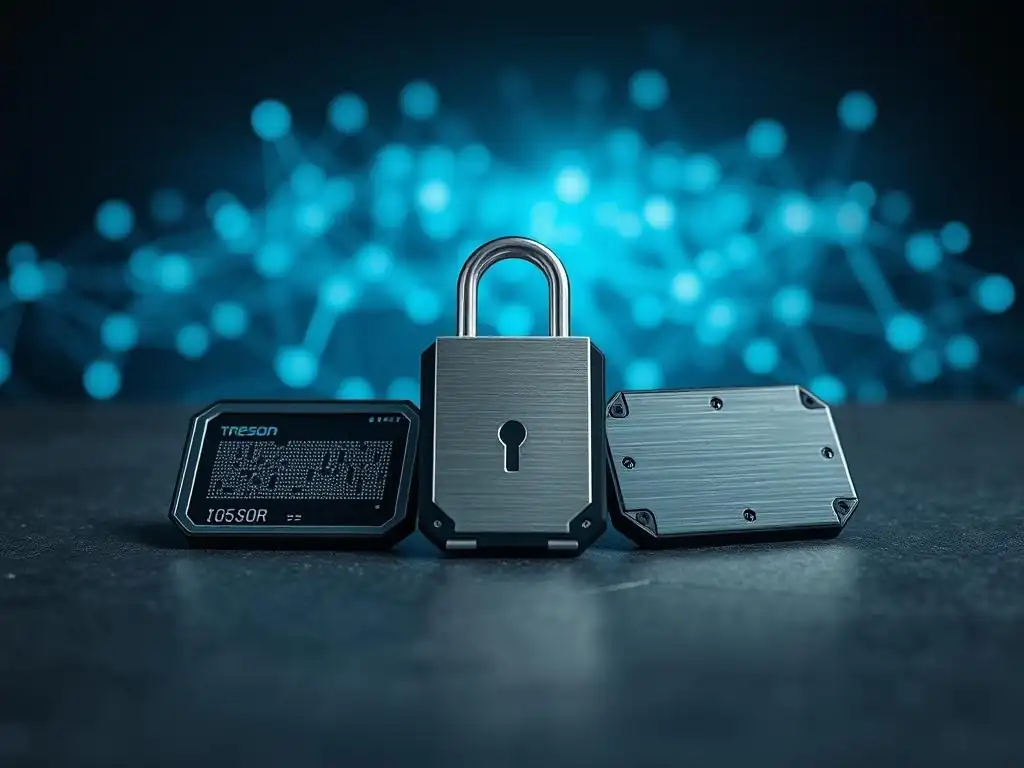
Welcome to Blockchain Trends, your go-to source for understanding the real-world impact of blockchain technology. Ever wondered how to truly safeguard your digital future? In this article, we dive deep into a crucial aspect of crypto security: secure hardware wallets. Join us as we conduct a detailed secure hardware wallets comparison, pitting Ledger, Trezor, and KeepKey against each other to reveal which provides the ultimate protection for your digital assets. What secrets do these devices hold, and which one emerges as the champion of crypto security? Let's unlock the answers together...
- Secure Hardware Wallets Comparison: Ledger vs Trezor vs KeepKey Detailed Analysis
-
Frequently Asked Questions
- What are the primary benefits of using a secure hardware wallet like Ledger, Trezor, or KeepKey?
- How do Ledger, Trezor, and KeepKey differ in their security features and implementation?
- Beyond security, what other factors should I consider when choosing between these hardware wallets?
- How do these hardware wallets address the risk of physical theft or loss?
- What is the role of "Secure Hardware Wallets Comparison" in understanding the best option for me?
- Final Reflection: Securing Our Digital Future
- Unleash Your Crypto Security Potential!
Secure Hardware Wallets Comparison: Ledger vs Trezor vs KeepKey Detailed Analysis
Security Mechanisms: Secure Element vs Open Source Transparency
A critical aspect when evaluating secure hardware wallets for protecting digital assets is their underlying security architecture. Ledger devices, including the popular Nano S Plus and Nano X, rely on a Secure Element (SE) chip, certified under standards like CC EAL5+.
This dedicated chip acts as a miniature vault, designed to resist physical attacks and isolate the private keys from the general-purpose processor, even if the device is connected to a compromised computer. The firmware running on the SE is proprietary, meaning its internal workings are not publicly auditable, which Ledger argues enhances security by preventing attackers from knowing its vulnerabilities.
In contrast, Trezor, with models like the Model One and Model T, champions an open-source philosophy. The firmware and hardware designs are publicly available for review, allowing the wider security community to scrutinize the code and identify potential weaknesses. Trezor posits that this transparency fosters trust and allows for quicker identification and patching of vulnerabilities compared to a closed-source system.
KeepKey also utilizes an open-source approach for its firmware, emphasizing verifiability, although its hardware design details may be less extensively documented compared to Trezor's long-standing commitment to open source. This fundamental difference in security philosophy is a major point of consideration in any secure hardware wallets comparison.
User Experience and Ease of Use Comparison
User experience varies significantly across these secure hardware wallets, impacting daily usability. Ledger devices, particularly the Nano X, offer a relatively intuitive interface through the Ledger Live desktop and mobile application. Setup involves navigating menus on the small screen using physical buttons (or touchscreen on the Nano X), followed by using the software for managing assets, installing apps for specific coins, and performing transactions. The Ledger Live app provides a centralized dashboard, integrating features like swapping and staking directly within the application, streamlining the user flow for many common operations.
Trezor devices utilize the Trezor Suite software, which is also a comprehensive application for managing wallets, sending/receiving crypto, and utilizing features like CoinJoin for enhanced privacy (on supported models/coins). The Trezor Model One uses two physical buttons and a small screen, requiring specific button combinations for actions, which can have a slight learning curve.
The Trezor Model T features a larger, color touchscreen, significantly improving navigation and input, making it arguably the most user-friendly in terms of direct device interaction, though the overall experience is heavily reliant on the Trezor Suite desktop application. KeepKey's interface is known for its large screen, providing clear information, but it relies heavily on integration with the ShapeShift platform (which acquired KeepKey) for most wallet management tasks, potentially offering a less standalone experience compared to Ledger Live or Trezor Suite for users not primarily using ShapeShift's exchange features.
Supported Coin and Token Compatibility Showdown
The range of supported cryptocurrencies is a crucial factor in a secure hardware wallets comparison. Ledger wallets generally support the widest array of assets, boasting compatibility with over 5,500 coins and tokens, including Bitcoin, Ethereum, XRP, Litecoin, and a vast number of ERC-20 tokens. This extensive support is facilitated by specific applications that need to be installed on the device for each blockchain, managed through Ledger Live. While the device storage is limited, apps can be installed and uninstalled as needed without affecting the private keys.
Trezor devices also support a substantial number of cryptocurrencies, though typically fewer than Ledger. The Trezor Model T supports a broader range than the Model One, together supporting hundreds of different coins and thousands of tokens, including major ones like Bitcoin, Ethereum, Litecoin, and many ERC-20 tokens. Trezor's support often requires integration with third-party wallet software (like MyEtherWallet for ERC-20s or Exodus) in addition to Trezor Suite for some assets, although Trezor Suite's direct support list is growing.
KeepKey supports a more limited, albeit still significant, selection of major cryptocurrencies such as Bitcoin, Ethereum, Litecoin, Dogecoin, and some ERC-20 tokens. Its compatibility is often tied closely to the assets supported within the ShapeShift ecosystem, making it a strong choice for users integrated into that platform but potentially less flexible for those holding a very diverse portfolio of smaller altcoins compared to Ledger or Trezor.
Price Point and Value for Money Comparison
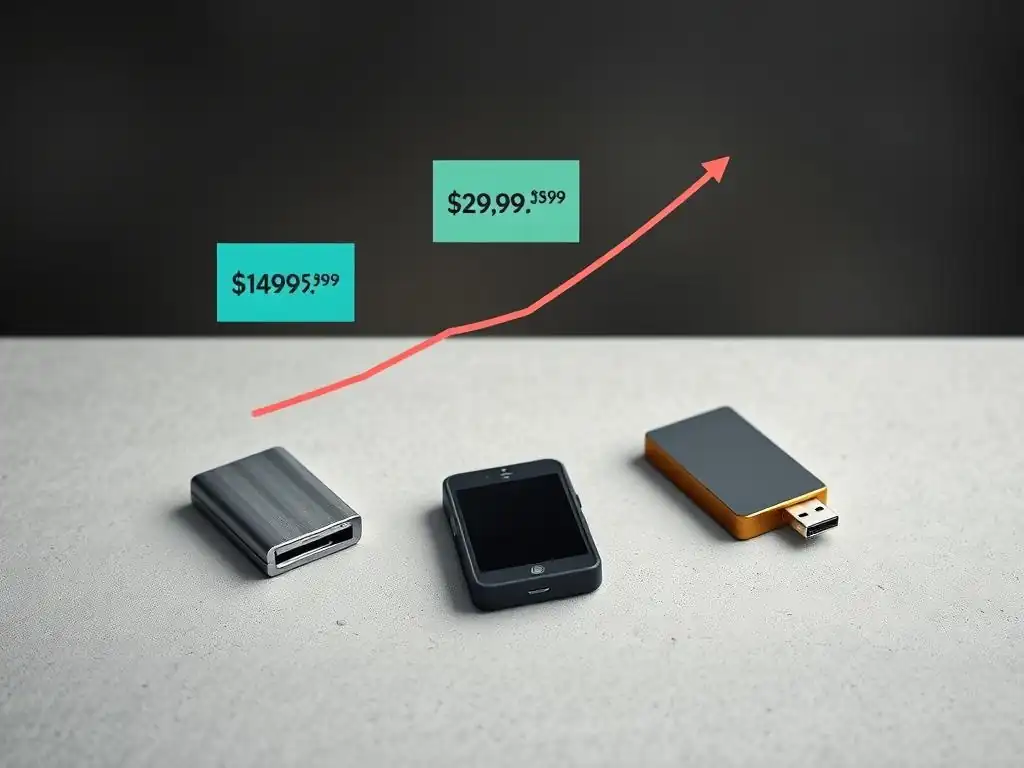
Price is an important consideration for many users seeking a secure hardware wallet. The entry-level models, Trezor Model One and Ledger Nano S Plus, are typically priced in a similar range, often falling between $60 and $80 USD. These models offer core cold storage functionality but may have limitations such as smaller screens, fewer buttons, or lack of Bluetooth connectivity (like the Nano S Plus). They represent excellent value for users prioritizing basic, secure storage for a moderate number of assets.
Moving up the range, the premium models, Ledger Nano X and Trezor Model T, come at a significantly higher price, usually ranging from $120 to $150 USD or more. The Ledger Nano X adds Bluetooth connectivity and a larger capacity for installing apps, while the Trezor Model T boasts a color touchscreen and native support for more coins directly in Trezor Suite.
KeepKey is often positioned competitively in the mid-range, sometimes priced around or slightly above the entry-level devices, offering its large screen and ShapeShift integration as key features. The value proposition depends heavily on individual needs: users needing broad altcoin support and mobile connectivity might find Ledger Nano X worth the cost, while those prioritizing open source and a premium touchscreen interface may lean towards the Trezor Model T, and those valuing simplicity and ShapeShift integration might prefer KeepKey.
Physical Design, Durability, and Portability
The physical design and build quality of these secure hardware wallets impact their durability and how easily they can be carried. The Ledger Nano line features a distinctive USB-stick-like design with a swivel metal cover that protects the screen and buttons, making them relatively compact and portable. The Nano X is slightly larger and heavier than the Nano S Plus due to its battery and Bluetooth components, but both are easily pocketable. Their construction feels reasonably sturdy, though the small screens and buttons require careful handling.
Trezor devices have a different form factor. The Trezor Model One is lightweight and made of plastic, with a simple screen and two buttons. Its design is functional but perhaps less robust-feeling than the metal-clad Ledger. The Trezor Model T is larger and feels more premium due to its touchscreen and overall build, though it's still primarily plastic.
KeepKey stands out with its larger form factor and substantial screen, which, while excellent for usability, makes it less portable than the Ledger or Trezor Model One. Its build is generally considered solid, but its size means it's less likely to be carried around constantly in a pocket compared to the more compact options. The choice among these secure hardware wallets often comes down to a trade-off between portability, screen size, and perceived durability based on materials and design.
Frequently Asked Questions
What are the primary benefits of using a secure hardware wallet like Ledger, Trezor, or KeepKey?
Hardware wallets offer enhanced security by storing your private keys offline, protecting them from online threats like malware and phishing scams. This significantly reduces the risk of your digital assets being compromised.
How do Ledger, Trezor, and KeepKey differ in their security features and implementation?
Each wallet employs different security architectures, including secure elements (Ledger), open-source designs (Trezor), and unique firmware implementations. Considering these differences is important for choosing the wallet that best suits your security preferences.
Beyond security, what other factors should I consider when choosing between these hardware wallets?
Consider the user interface, the types of cryptocurrencies supported, and the overall ease of use. Also, assess the device's compatibility with your operating systems and preferred wallet software.
How do these hardware wallets address the risk of physical theft or loss?
Most hardware wallets offer PIN protection and recovery seed phrases. These features enable you to recover your funds on a new device even if the original wallet is lost or stolen.
What is the role of "Secure Hardware Wallets Comparison" in understanding the best option for me?
A secure hardware wallets comparison provides a structured overview of the features and security properties of each wallet. This helps you make an informed decision based on your individual needs and risk tolerance.
Final Reflection: Securing Our Digital Future
The digital age has ushered in unprecedented opportunities, but also unprecedented risks. The need for robust security in safeguarding our digital assets has never been more critical, especially as cryptocurrencies and other digital valuables become increasingly integrated into our daily lives. The "Security Showdown" explored the strengths and weaknesses of leading hardware wallets, highlighting the ongoing battle to protect users from ever-evolving threats.
This exploration of Ledger, Trezor, and KeepKey underscores the vital role hardware wallets play in the evolving landscape of digital security. The peace of mind that comes from knowing your private keys are securely offline is invaluable in a world rife with online vulnerabilities. Security is always excessive until it's not enough.
This quote perfectly encapsulates the constant need for vigilance and improvement in the realm of digital asset protection.
Now, as you navigate the complex world of cryptocurrencies and digital assets, consider the insights gained from this comparison. Reflect on your own security practices and ask yourself: are you truly doing everything you can to protect your digital future? The power to secure your assets lies in your hands; choose wisely, stay informed, and remain vigilant.
Unleash Your Crypto Security Potential!
Thank you for exploring how hardware wallets like Ledger, Trezor, and KeepKey protect your digital assets. Now that you’re informed, it’s time to take action and strengthen your crypto security.
Start by choosing the hardware wallet that best suits your needs. Do some research and invest in a device that provides peace of mind. Additionally, consider exploring other security strategies—there are advanced methods available to help safeguard your digital assets. Feel free to visit trusted security resources for more information.
Share this article with fellow crypto enthusiasts to help them understand the importance of securing their investments.
What security features are most important to you when selecting a hardware wallet? Share your thoughts in the comments below!
Leave a Reply